
ZoneOut: HTC Hero - In the Nick of Time
At long last, the HTC Hero is now all powered up, ready to take on the world. But is the world ready for the third Android device by HTC? And will HTC's Sense UI debut performance on the Android phone truly enhance the user experience? With batteries locked and loaded, we challenge our senses, and answer the Hero's calling in this review.

I need a Hero!
The Google Android platform is picking up speed. And in less than a year, HTC has shown itself to be a strong supporter of this open source mobile operating system. Our got us interested with the Hero's build quality and its now confirmed Teflon coated surface. So if you're more inclined on the design aspect, do check out the Hero preview article. This time round, we'll be focusing on the real deal - the new HTC Sense UI.
To make sense of all this, we present a quick video overview of what the Sense UI is all about. Following up, we'll be diving head first into the Hero, and discover how HTC's new user interface makes absolute Sense to us.
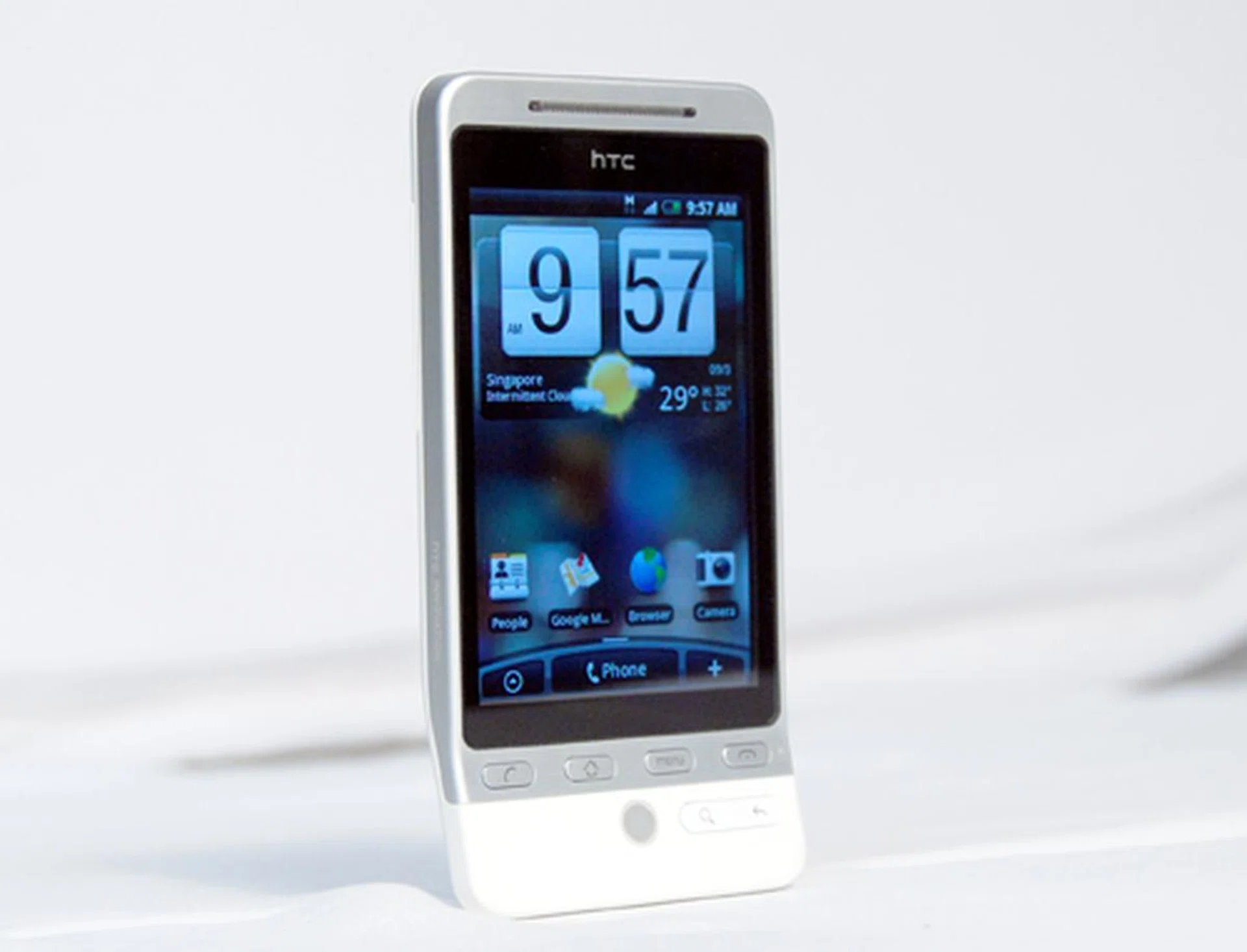
HTC Hero with Sense UI
Making Sense of Things
The HTC Magic that was launched in the first half came with the Cupcake update for its Android OS. Similarly, the Hero will sport an update of sorts. Not from the Google end, but from HTC themselves. This is the Sense UI. To make sense of what the Hero is, one needs to understand the concept behind the Sense UI.
The HTC Sense UI is primarily a widget-centric interface. This allows instant access and information feed to users without delving deep into the Hero's menu and settings. The Cupcake update did give the stock Android interface a means to add widgets, be it from Google or from developers via the Android market. HTC has taken upon itself to bundle the Hero with its own customized widgets. And in comparison, the new Sense UI gives not only three, but seven pages for the user to customize to their heart's content.
Some things do stay the same, such as the Notifications page that is pulled down from the top. Others, get a slight tweak. This is apparent when one takes a look at the bottom of the interface. Sitting right smack in the center is the Phone icon, which is pretty self-explanatory. Flanking the Phone icon is the Main Menu (on the left) and the Widgets menu (on the right). This layout makes more sense to us, since the Hero is first and foremost a mobile phone.
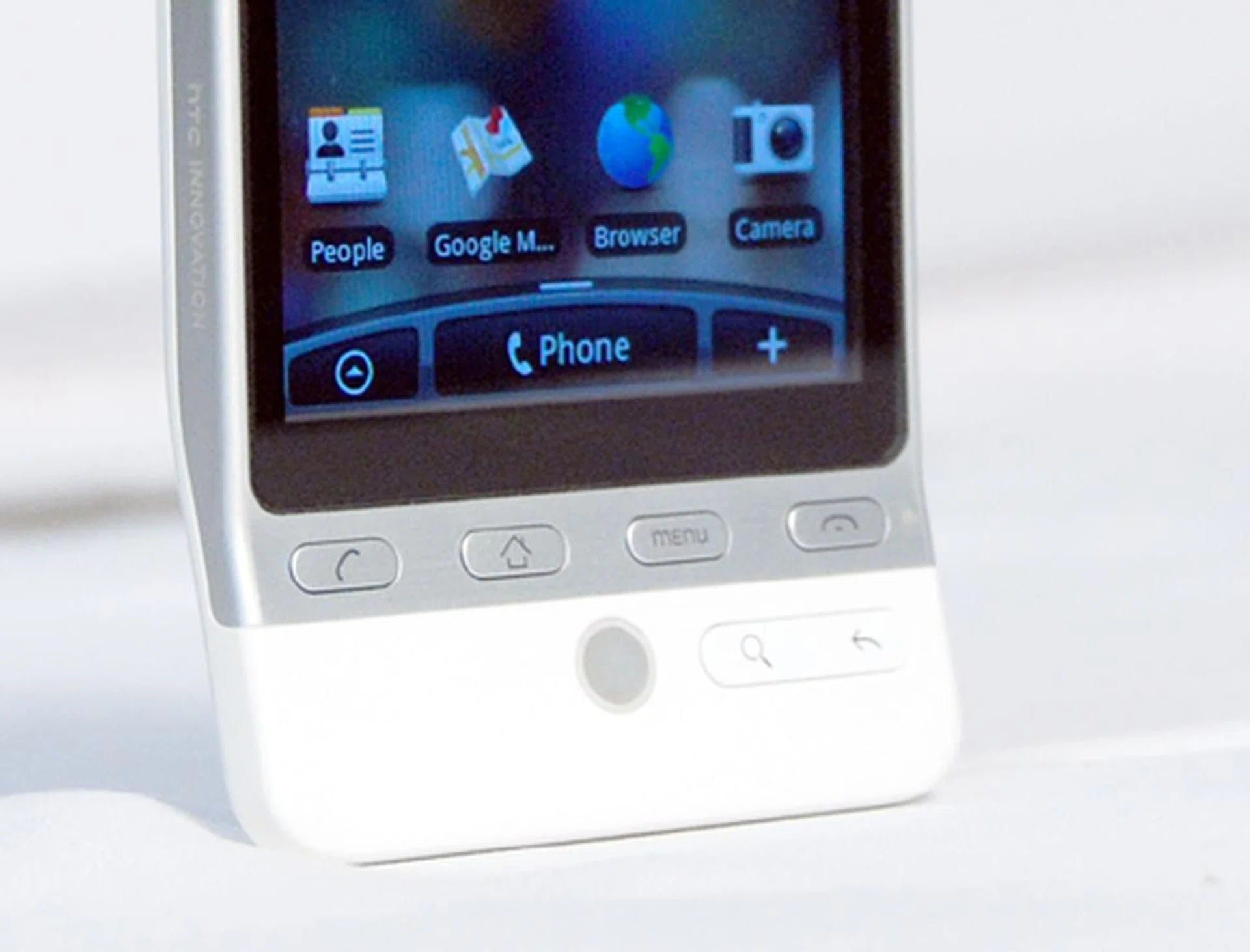
There are a lot of cosmetic changes on the Sense UI. Seven pages to lay widgets, a new bar that now houses shortcuts to your Main Menu, Phone and Widgets Menu are only the tip of the iceberg for what we're going to show next.
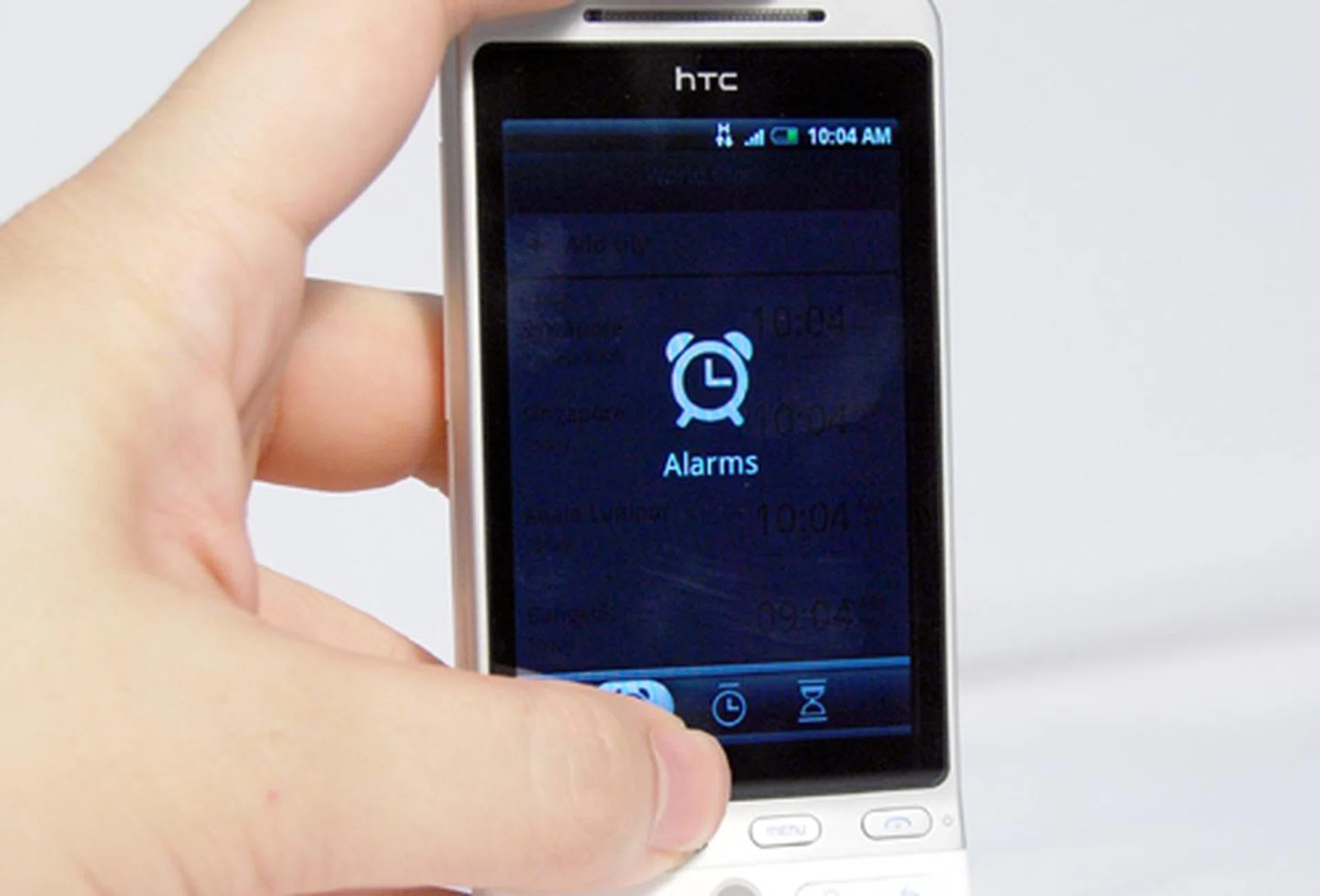
Multiple tabs are also present within each widget. These additional tabs bear a striking resemblance to HTC's other user interface, the HTC TouchFlo 3D.
Beyond this seven page customization, the Sense UI can be tweaked even more with different Scenes. This is essentially a way to save your customized pages accordingly. By default, the Hero is loaded with the following scenes - HTC, Social, Work, Play and Travel. Each of these default Scenes correspond to what its name implies, with the necessary widgets preloaded for immediate use. Of course, one can easily remove or add widgets of their choice, and save it as another Scene of your own naming.
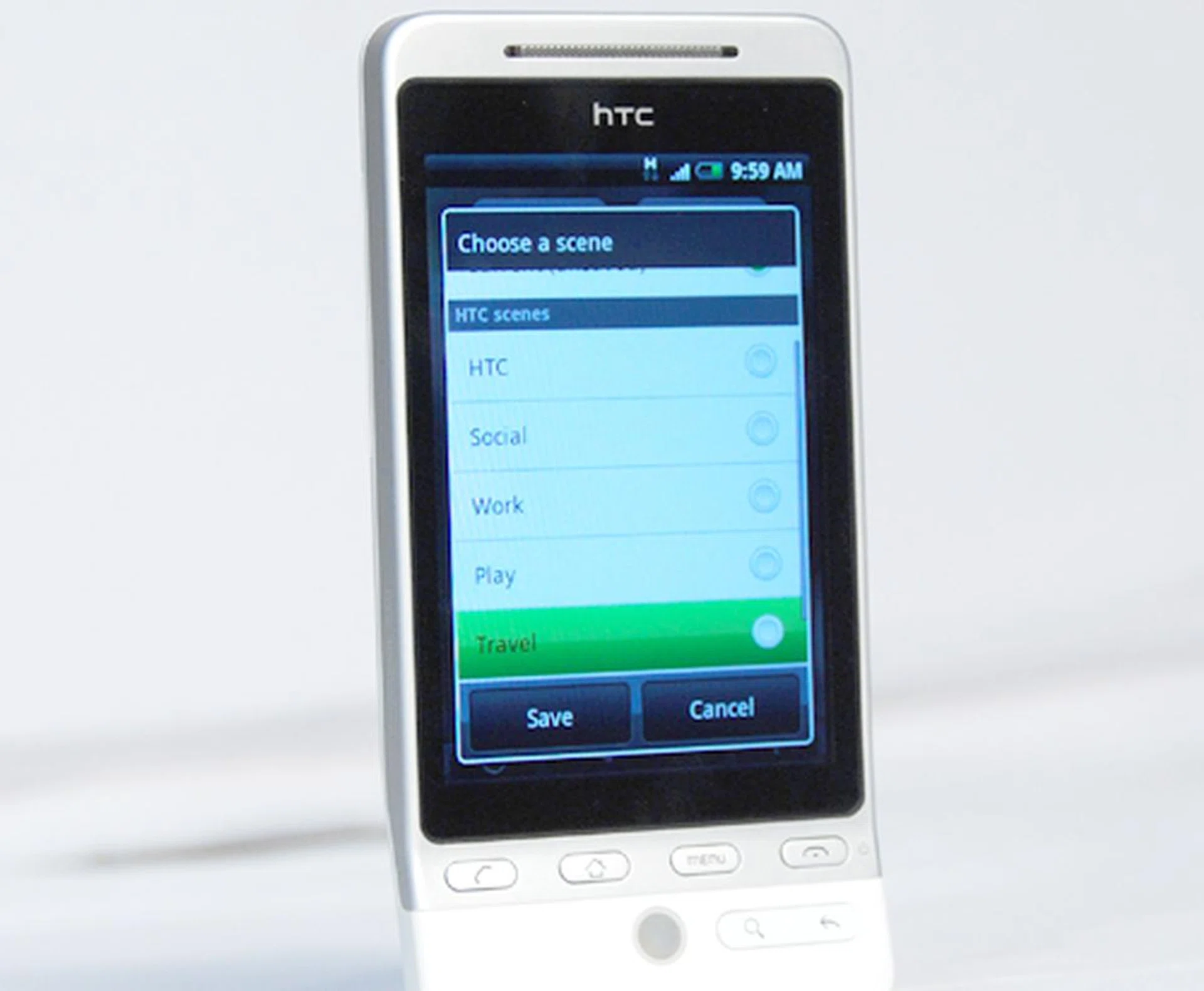
The five default scenes aren't just the only ones you are limited to, since you can also add or remove widgets of your choice and save it as a customized Scene.
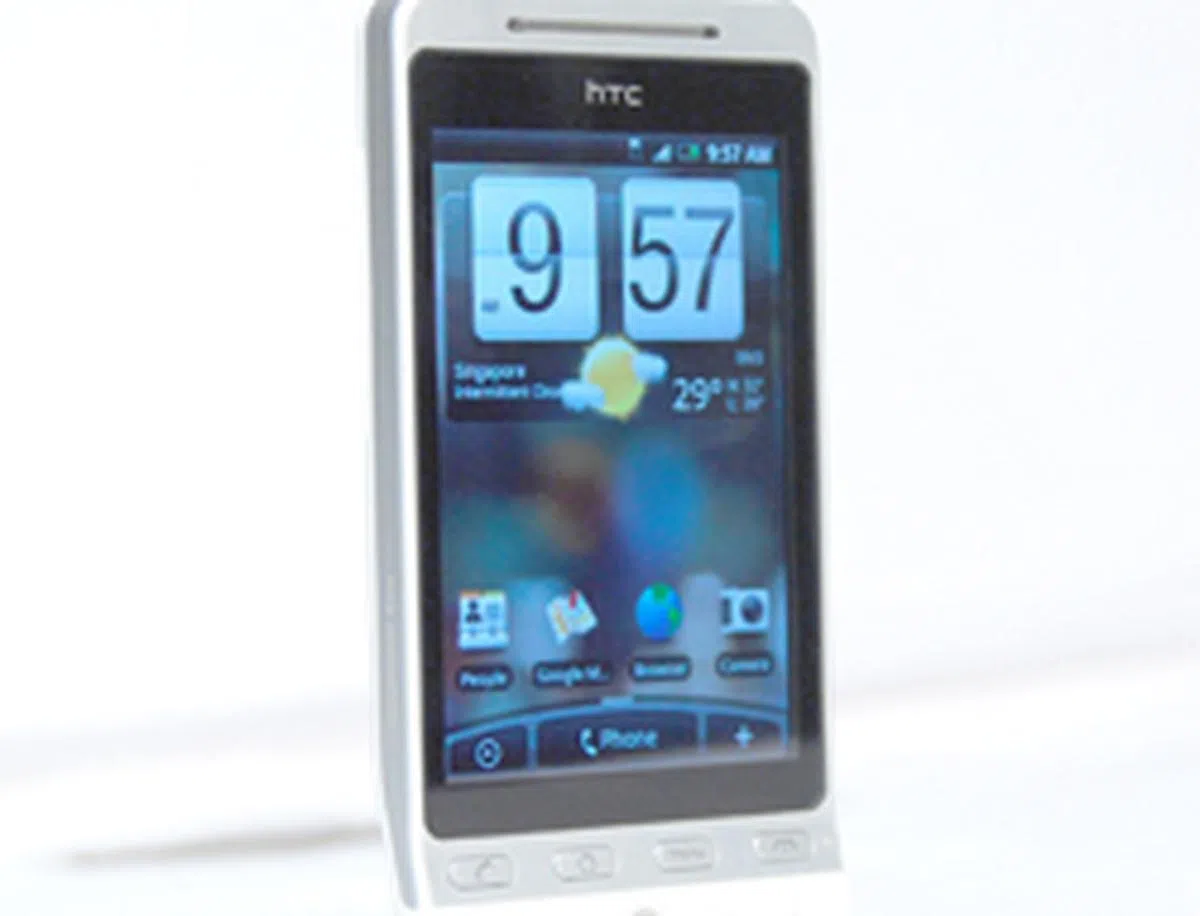 | 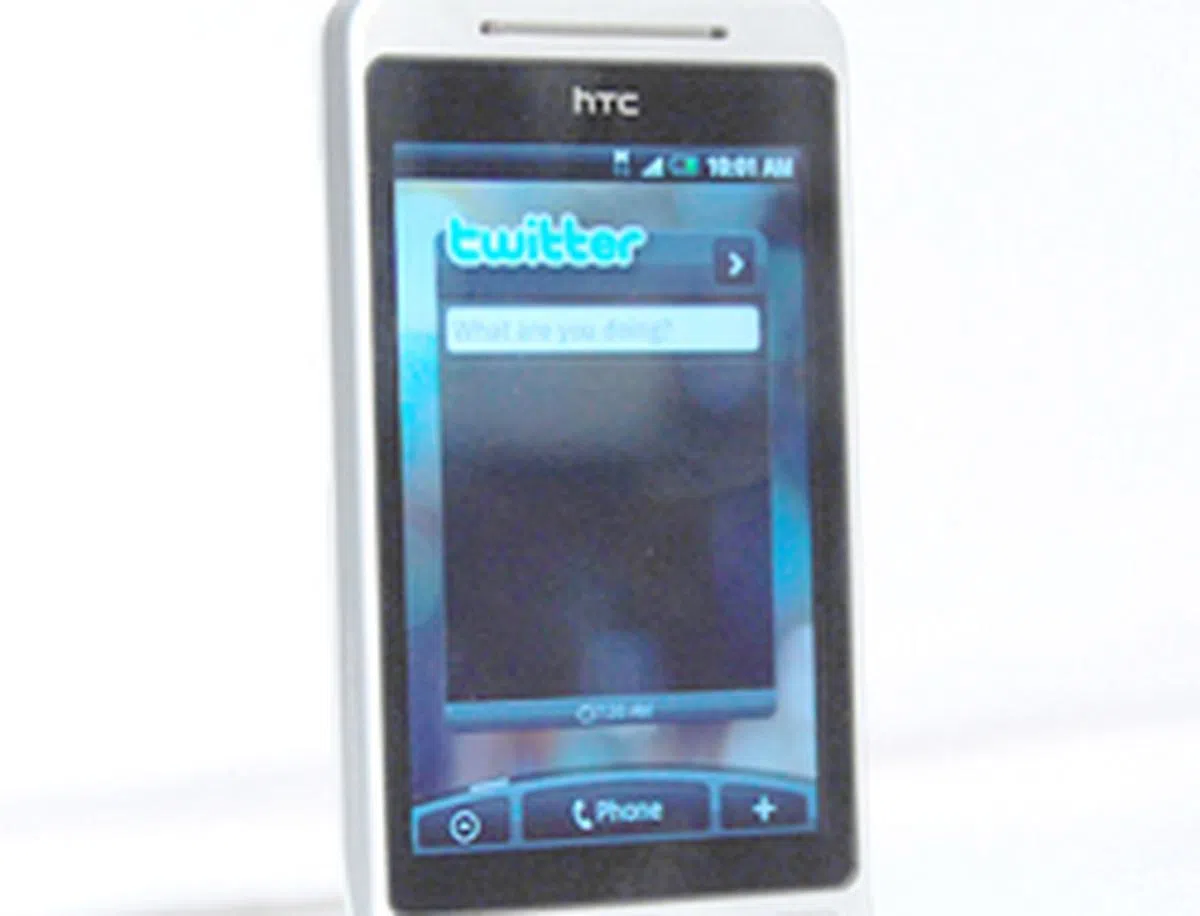 |
The HTC and Social scenes are somewhat similar, with a well-mixed balance of widgets such as Email, Twitter, Messaging, Clock and all the necessities for your daily life. |
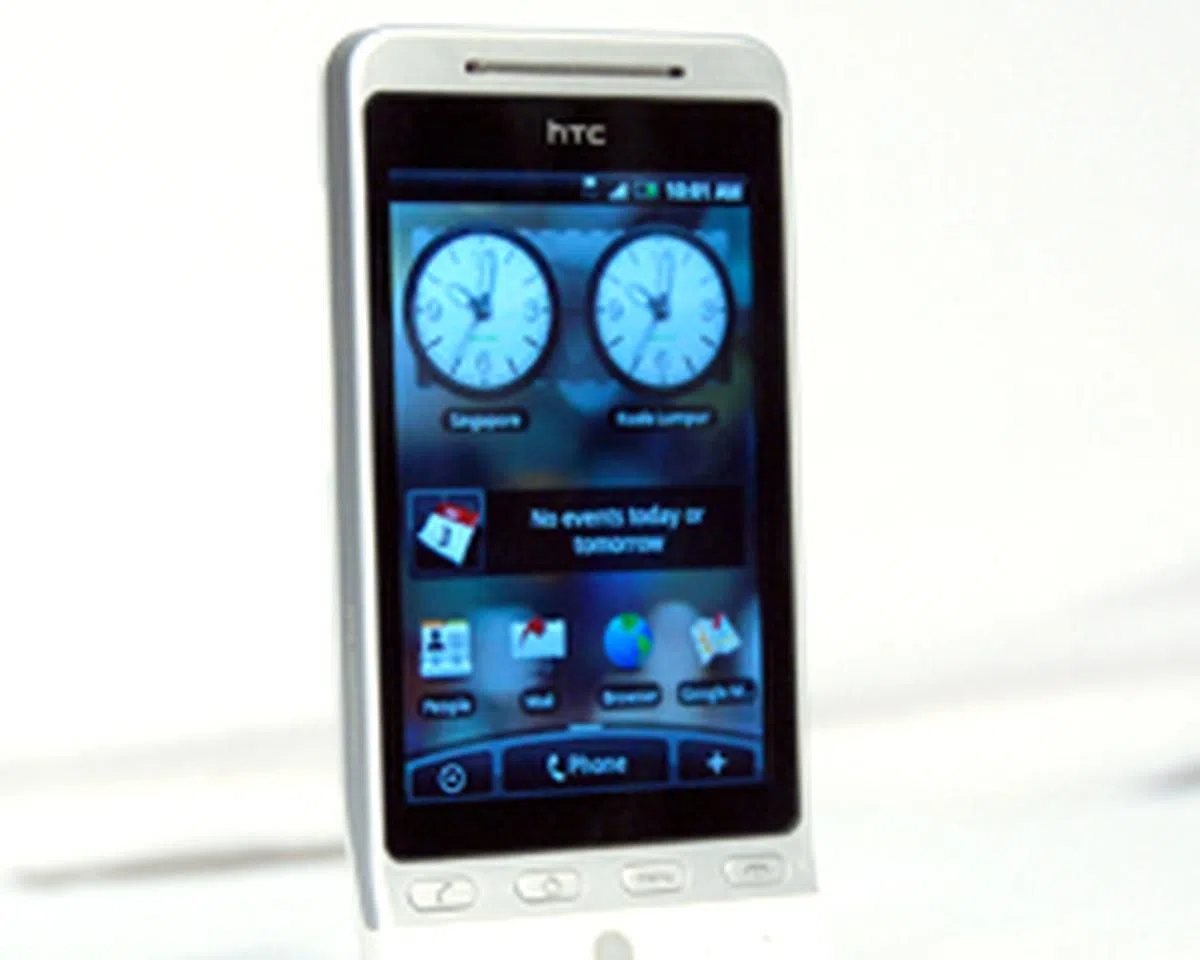 | 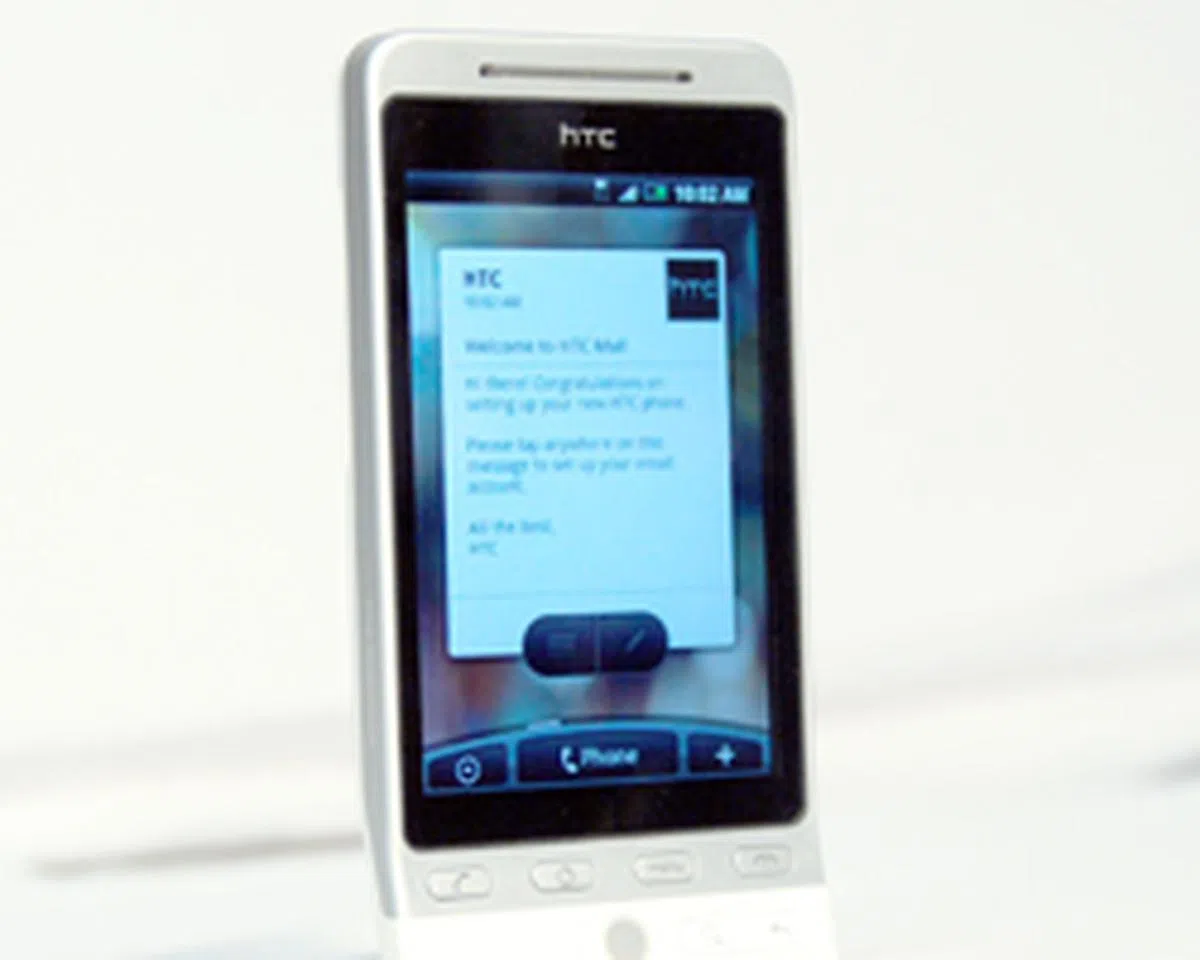 |
Work is oriented towards your Emails and Calendar (which by the way, is placed on two different pages). |
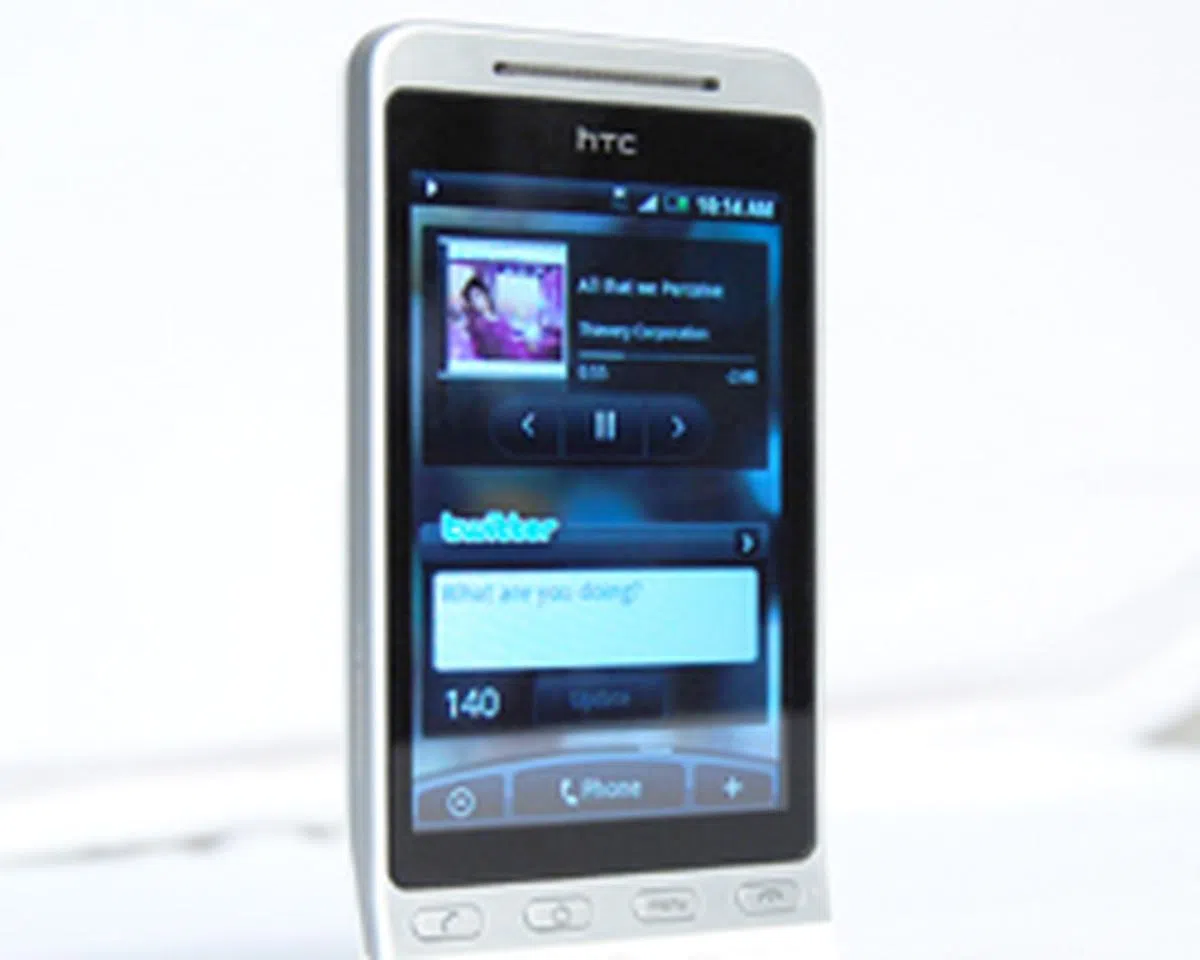 | 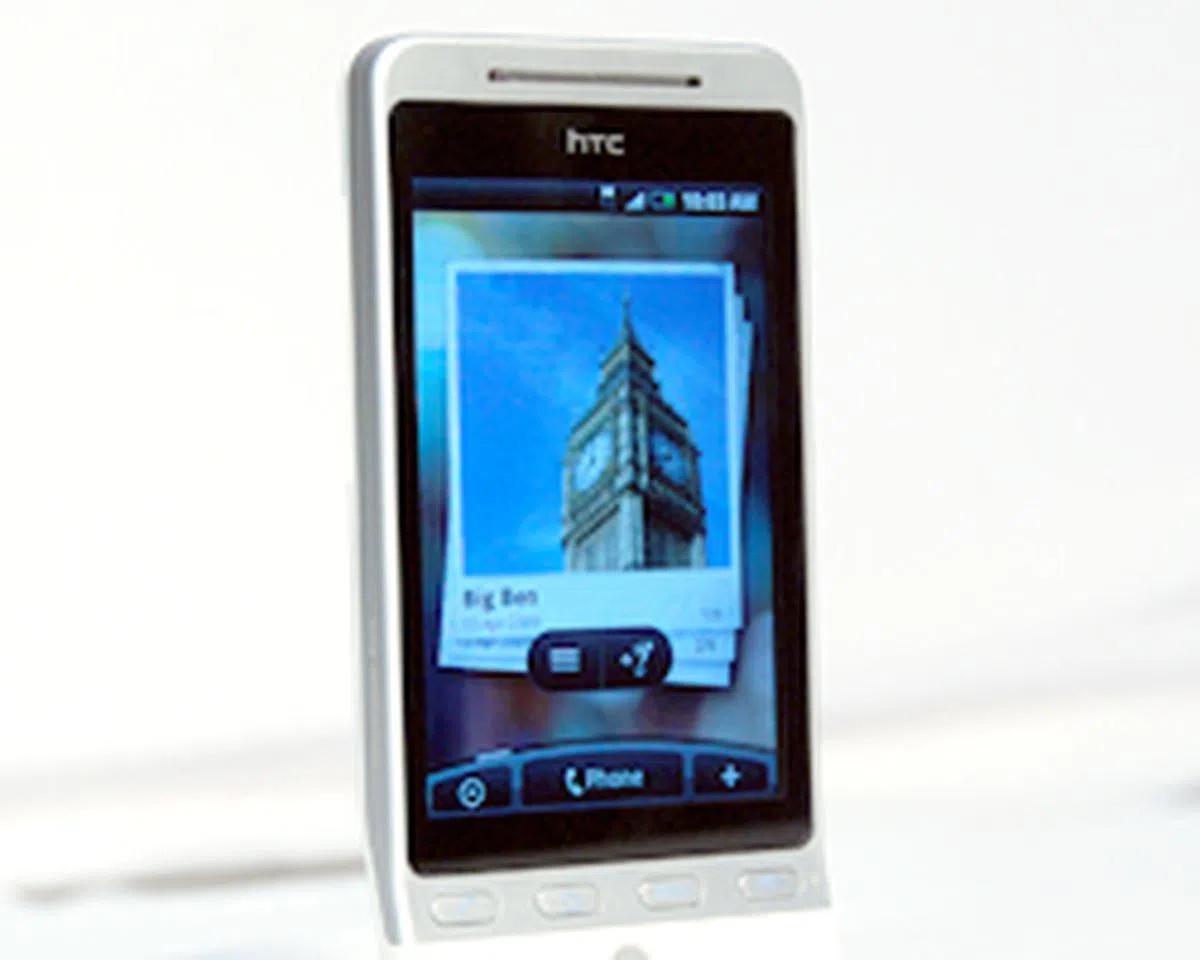 |
Play and Travel share similar widgets, such as Music and Albums. Footprints is added on to the Travel Scene, which allows you to geotag your images. More on that in the next page. |
Geared Up
We've already made it clear that customizable user interfaces and widgets are the way to go. So what is it about the Hero's preloaded widgets that makes it worth the attention? We take a look at some of the more prominent ones.
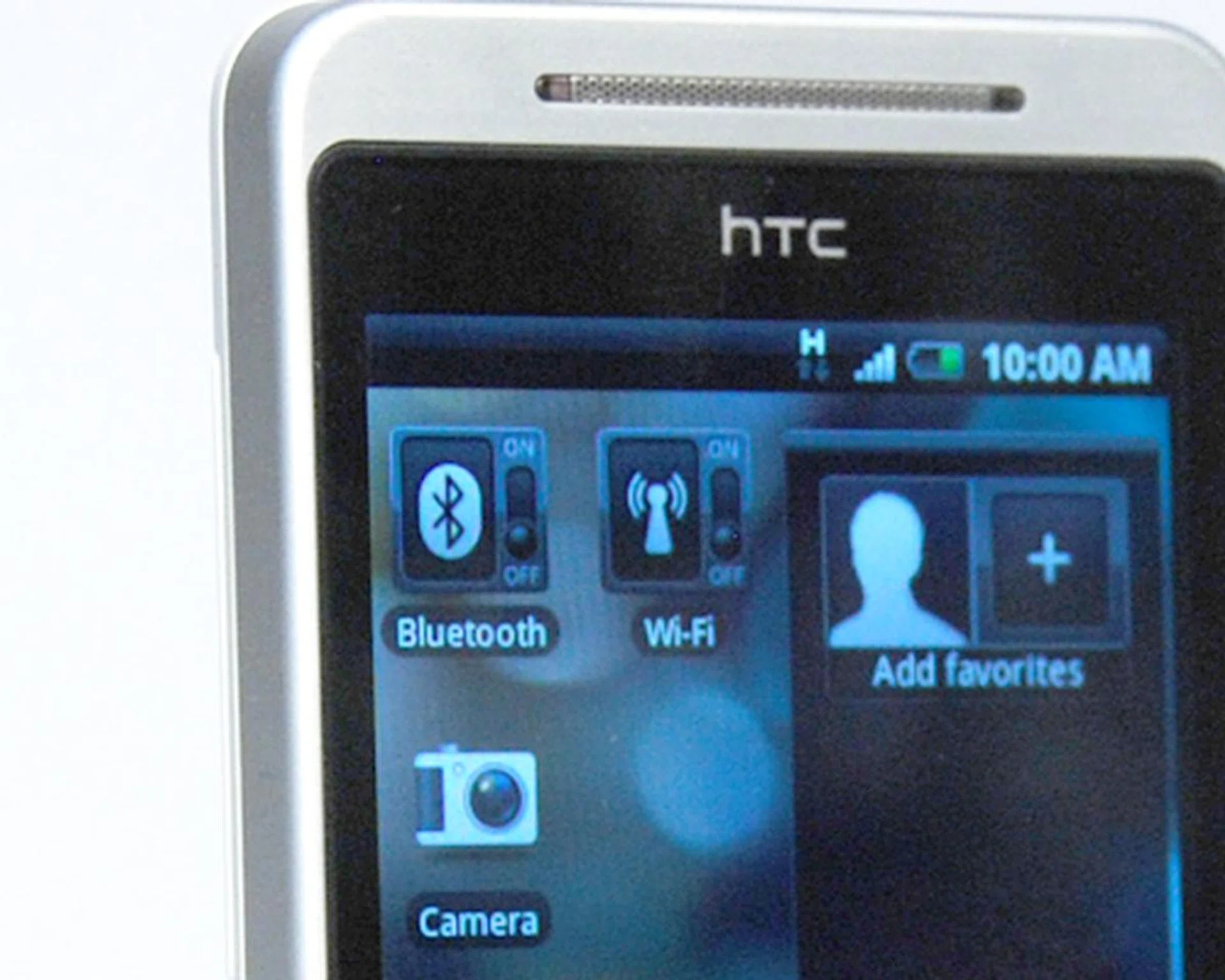
Wi-Fi and Bluetooth toggles. As seemingly little as it might be, these toggles are very useful for power management and accessing your phone's most basic functions. Such toggles are available on the Android Market. Nonetheless, we are glad that these HTC widgets are readily available and has the looks to go with it.
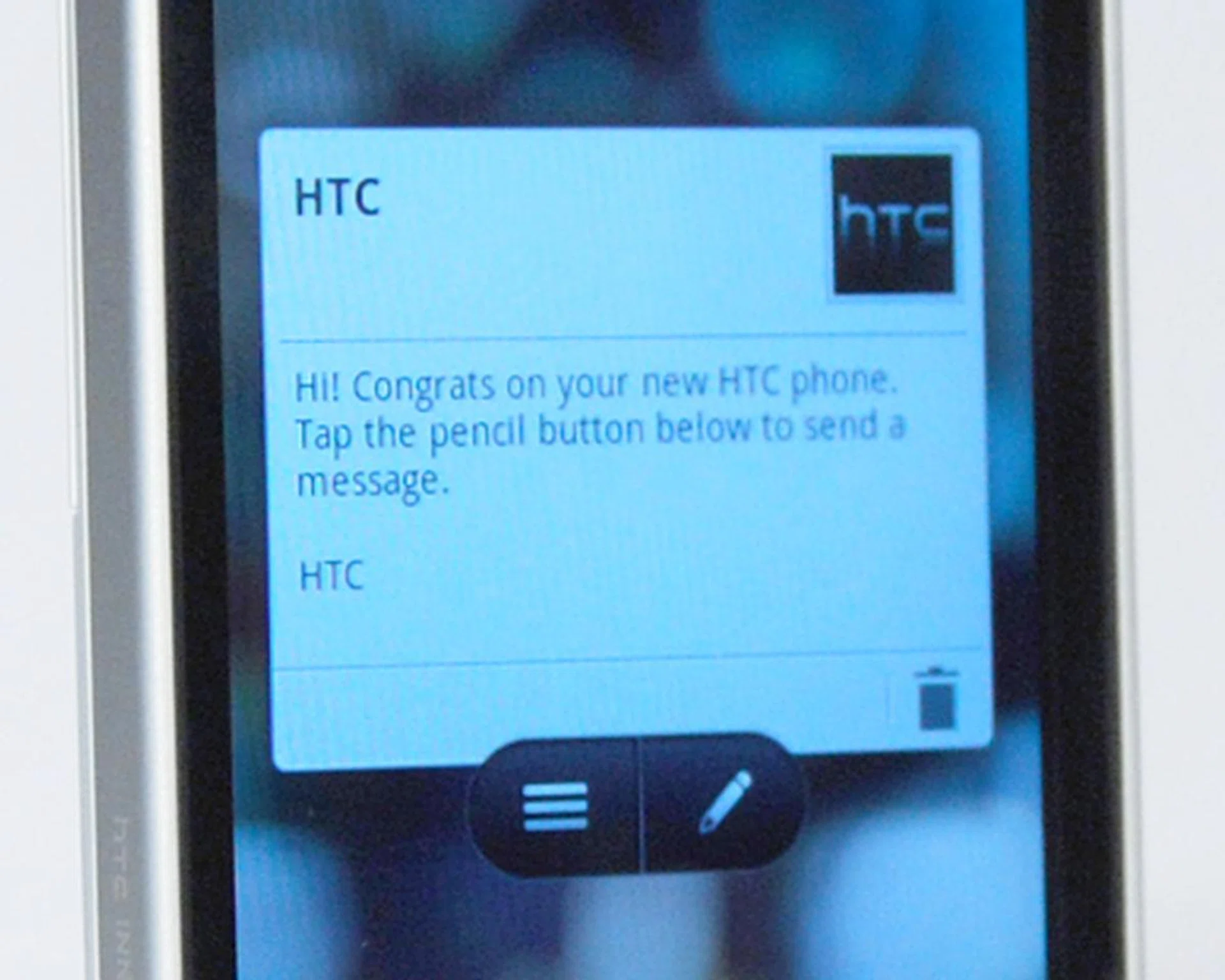
The Messaging and Email widgets will be a familiar sight if you notice the similarities between it and those on the TouchFlo 3D. Note that the Email widget is only able to display emails from one account, even though the email function is able to support and receive mails from multiple accounts.
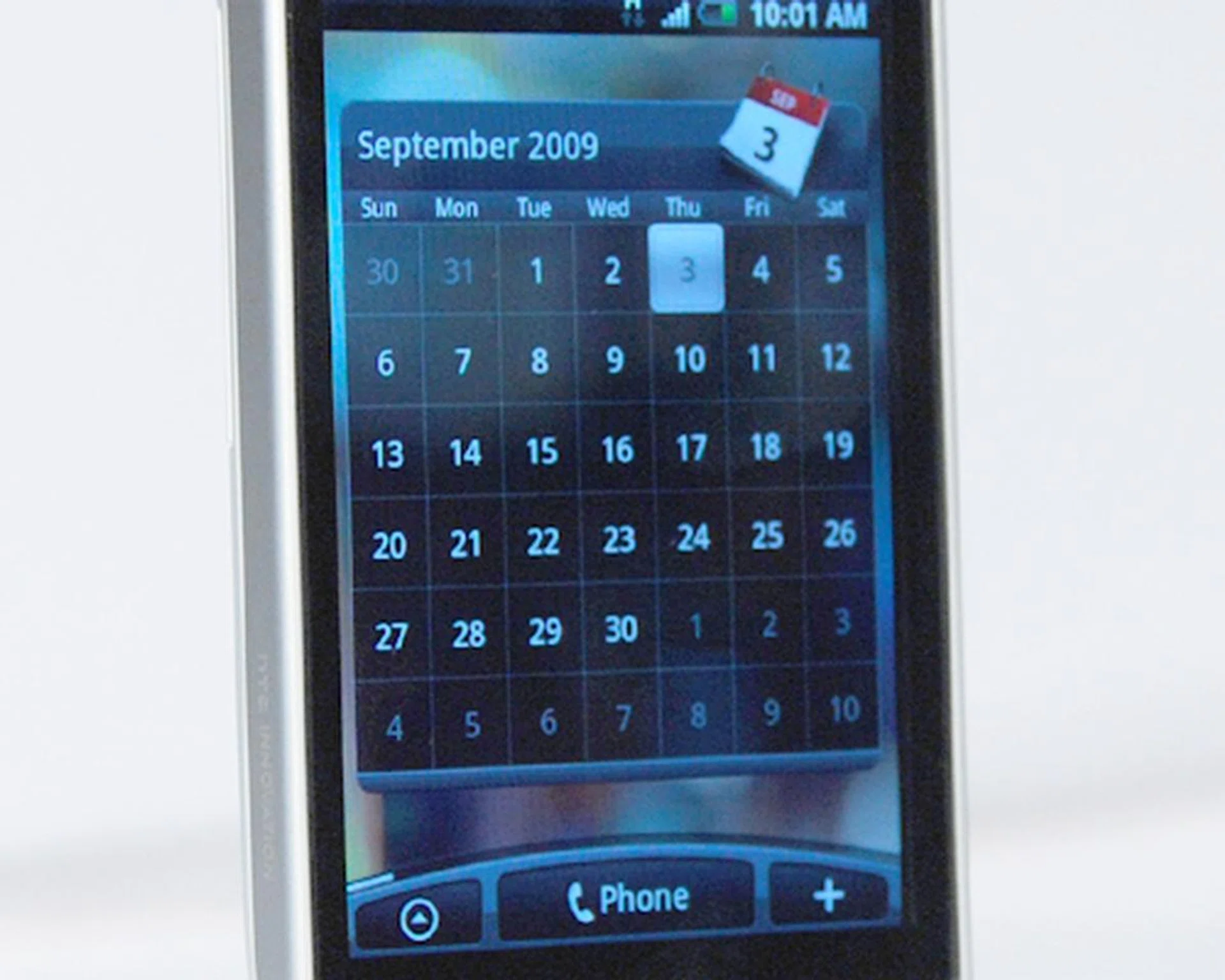
The Calendar widget is much more pleasing to the eye than the standard Google Calendar widget. Furthermore, it comes in two different styles for you to choose from. The full page Calendar widget (shown here) acts more like a date viewer and shows you a full month's agenda. It's alternative style gives more precise info on a daily basis.
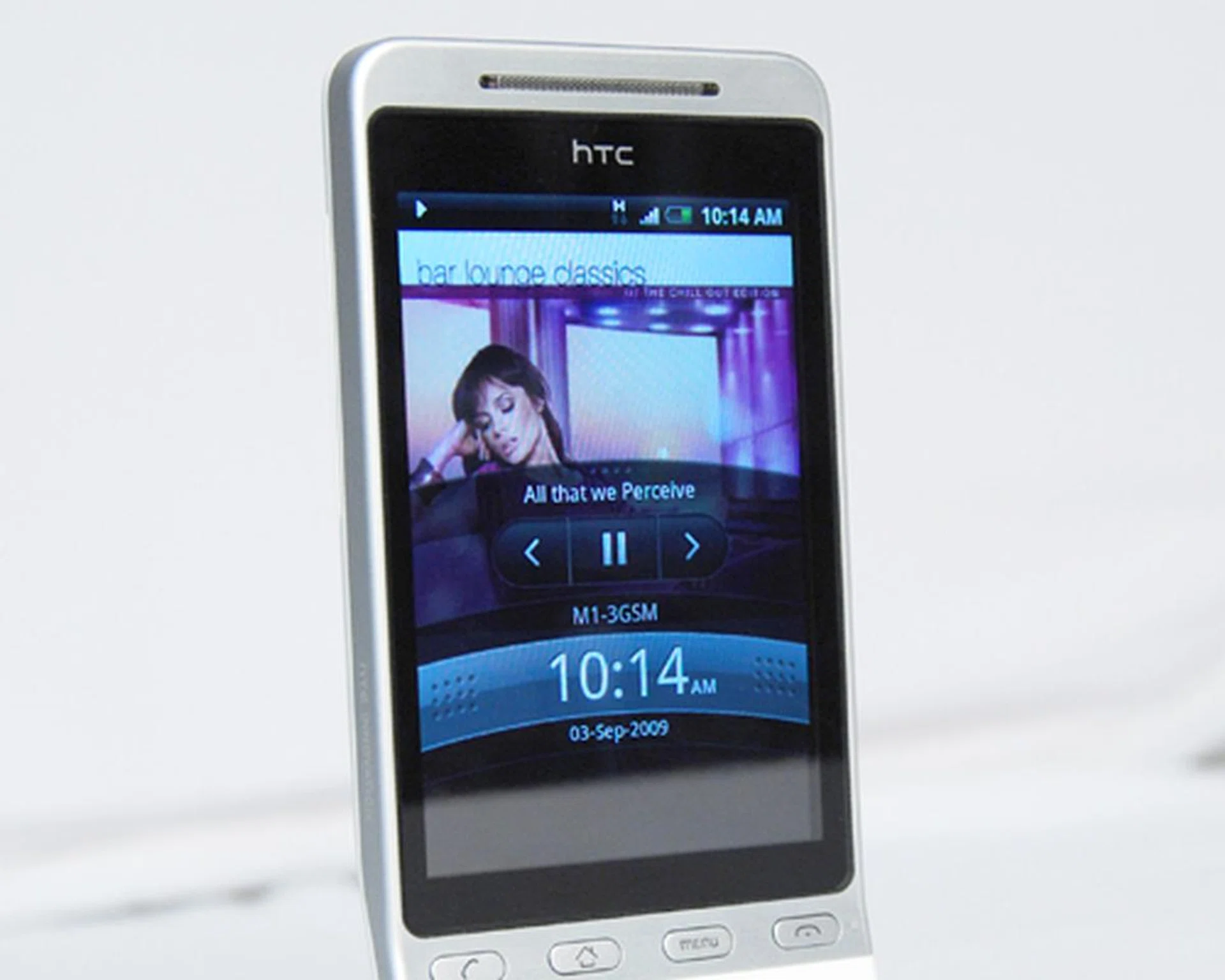
Likewise, the Music widget comes in two different styles. The first of which is similar to the TouchFlo 3D's Music tab. The other compact layout bears more similarity to the Google Music widget, but with an additional display for the album art. Interestingly, at the phone lock screen, you can access your music that's playing in the background (as shown here).
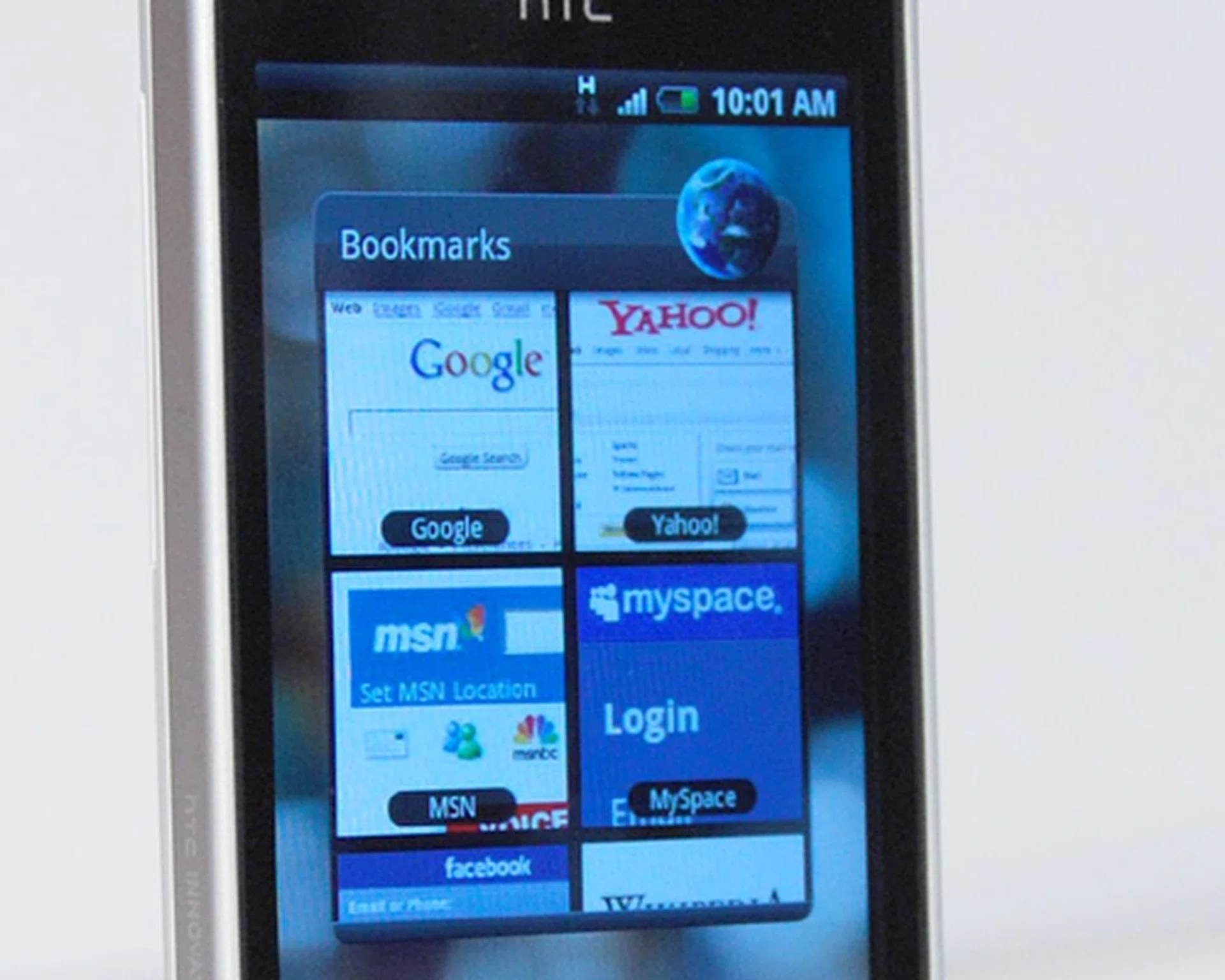
The Bookmarks widget displays the thumbnails of your, well, bookmarks. But what makes this Bookmark widget great to behold is the fact that it will intuitively lock on to the distinctive areas that identifies what the site is.
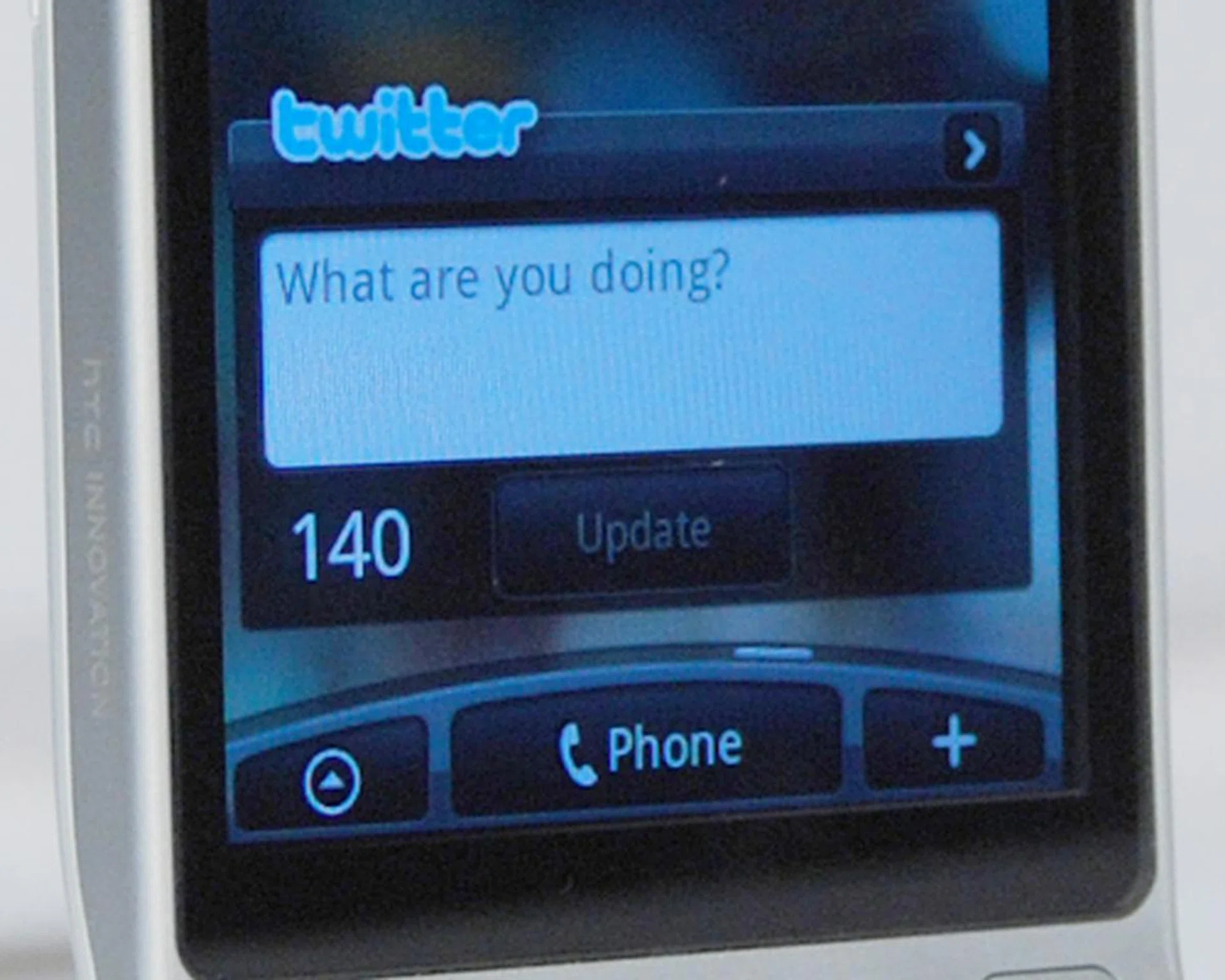
Social Media is a fast moving trend, and the Twitter widget, or known as Peep, will probably be one of the more popular widget for users.
A Hero's Power Lies Within
The Hero isn't exactly what one might call a multimedia device, but it does hold its weight against dedicated media players. For one, the HVGA resolution on the 3.2-inch display is adequate for movie viewing. Details were crisp and clear, with the right amount of brightness to combat sunlight glare. However, we were a bit surprised that our test movie showed a slight lag for scenes with faster frame rates.
As mentioned in our preview article, the Hero is now equipped with a 3.5mm audio jack. We scrolled through our test tracks using the Music widget, and found the audio quality to be acceptable. Not impeccable, but we are fine with it.
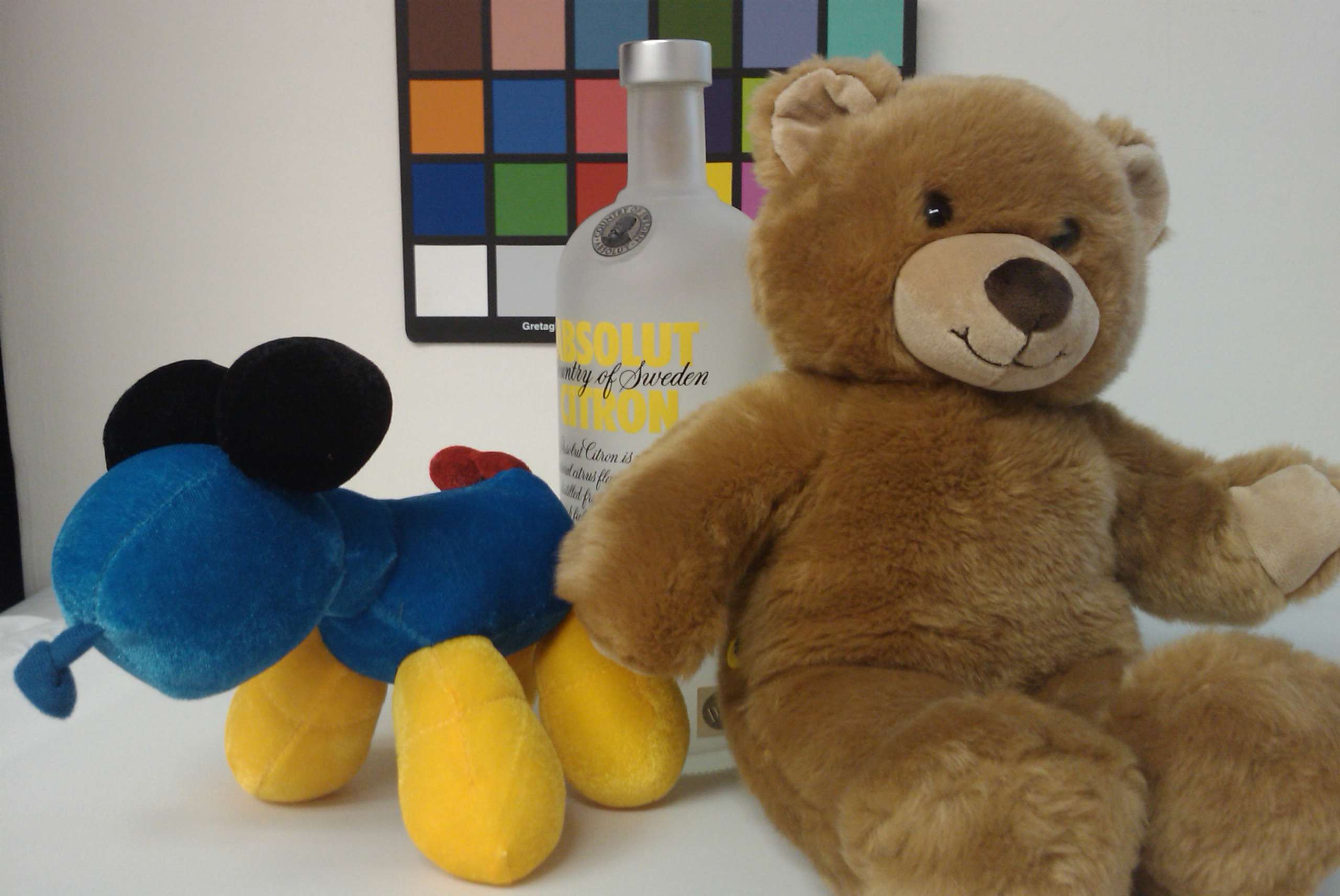
Like the HTC Magic, you'll notice the lack of a camera button on the Hero. This means you'll be depending on the trackball as the shutter button. For focusing purposes, you can simply touch any area of the screen to focus on the specific point. We subjected the camera to the usual color chart and our standard test subject for quality checking.
 |  |
So far, multimedia functions check out okay for a phone of this nature. But what about overall phone usability and ease of use? Thanks to the Sense UI's snappy and fast interface, we were pretty much impressed. Swiping across pages to access various functions was smooth. For the more animated widgets such as Weather, Messaging and Email, we noted some slight slowdown, but not to the point it was excessively slow. It doesn't yet hinder the overall user experience, so we're not yet penalizing the phone on this aspect. More so often than not, there would always be a firmware update that'll improve and enhance the experience as we've seen with a variety of smartphones in the last couple of years. With the Hero, this is likely the case in our opinion.
While the trackball is great for navigation across the seven customizable pages, we found our fingers instinctively going for the screen for more direct interaction. For text messaging fans, the Hero's virtual numeric keypad and QWERTY keyboard proved to be versatile.

The onscreen numeric keypad is our choice for text input. But if you're more used to the QWERTY keyboard, it's just as usable. Like the Magic, the Hero will automatically switch the QWERTY keyboard to landscape mode according to your orientation.
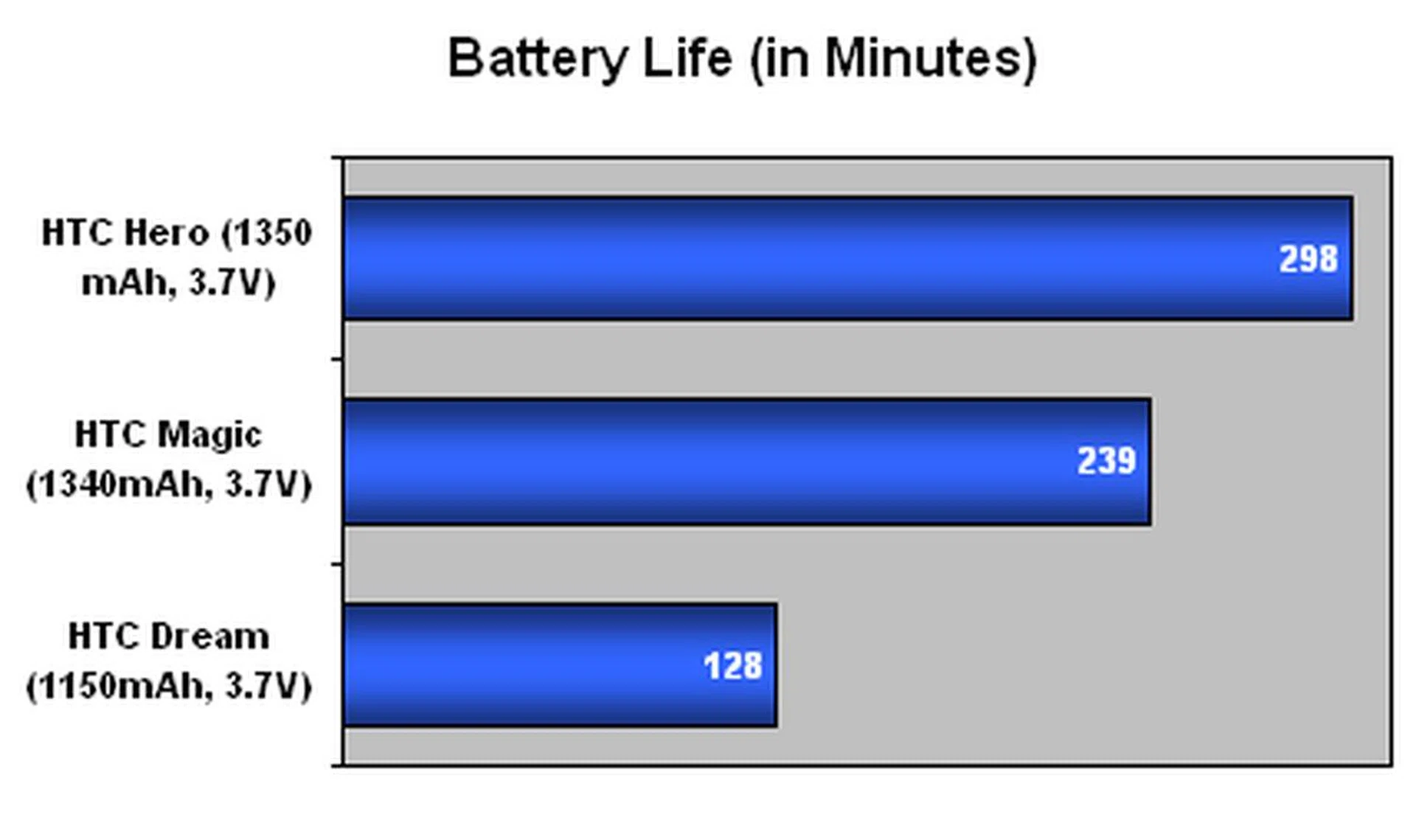
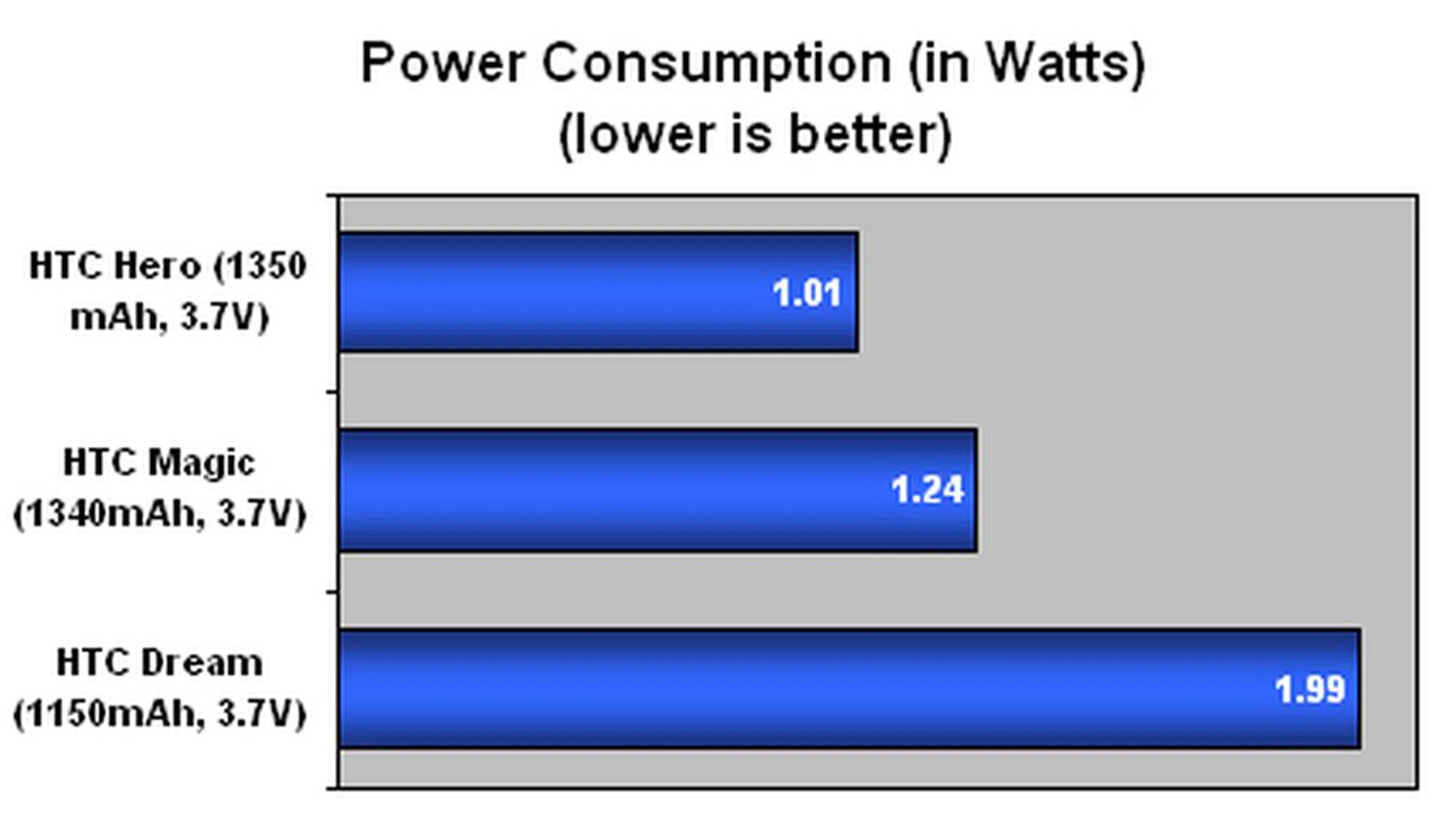
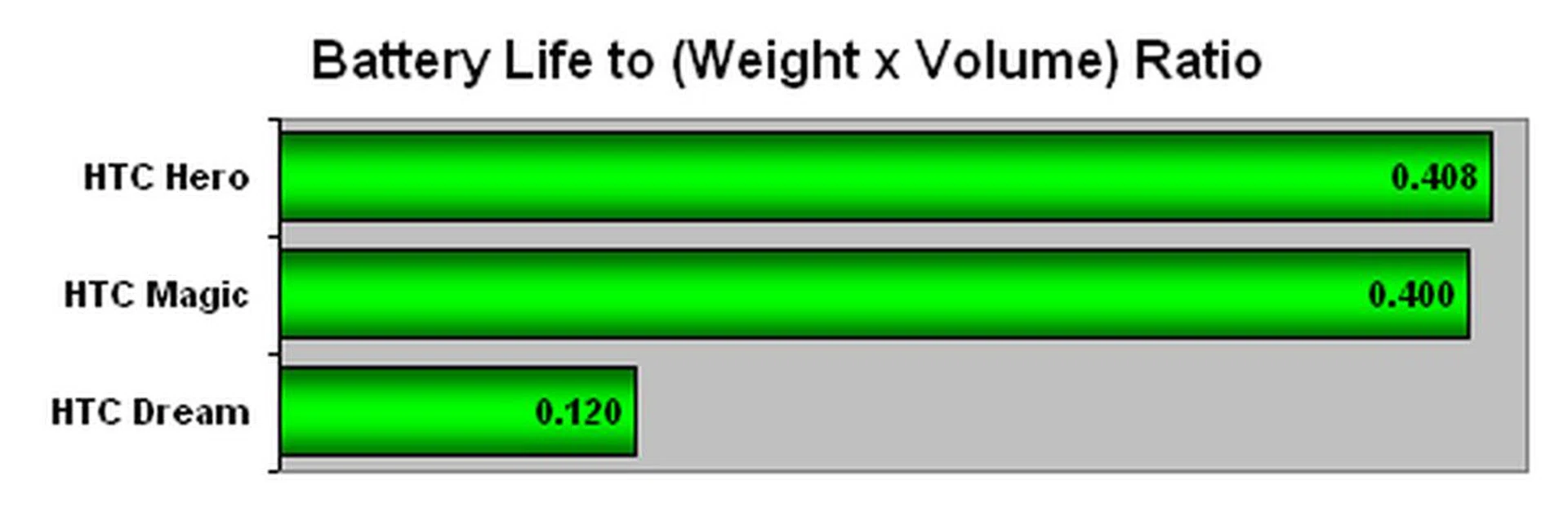
Next up, we assessed the Hero's battery uptime in a probable worst-case scenario by looping our test video (240 x 320 pixels at a frame rate of 24fps). As usual, Wi-Fi and Bluetooth were left active, with the volume and display brightness at the full 100%. As a gauge, we placed the results against its predecessors, the HTC Dream and Magic.
Specifications/Device | HTC Hero | HTC Magic | HTC Dream |
Processor |
|
|
|
Memory |
|
|
|
Connectivity |
|
|
|
Dimensions |
|
|
|
Weight |
|
|
|
Screen size |
|
|
|
Battery |
|
|
|
Up, Up, and Away
As a device manufacturer, HTC is probably performing on the same level as its immediate competitors such as Samsung and LG. Its devices are definitely on track in terms of technological level, but it isn't making breakthrough achievements in its specifications. To put themselves above and beyond, they did what's most logical - placing a strong emphasis on great design. The Hero is simplistic in nature, yet it is the simple nature that attracts the man on the street.
Putting its simple design aside, its intuitive Sense UI definitely stole the limelight as it's the phone's strongest highlight. The Sense UI is essentially all about widgets. On the surface, that seems to be it, but it's the experience that gives it the edge. The latest ROM update was splendidly smooth in terms of speed and performance. This will probably debunk the story of its sluggish performance as reported by others during its initial launch (which we can't comment on as we weren't privy to the ROM that predates this one).
The Sense UI is also heavily focused on its aesthetics. Keeping in line with the sleek and sophisticated look seen on the HTC TouchFlo 3D, we do see a semblance of the earlier mentioned UI's trademark design on the Sense UI. By including its very own widgets that improves upon the stock widgets (such as Calendar, Music and Clock) and adding its unique widgets, HTC is giving consumers something to drool over, even if they aren't the biggest fans of the relatively new Android platform.
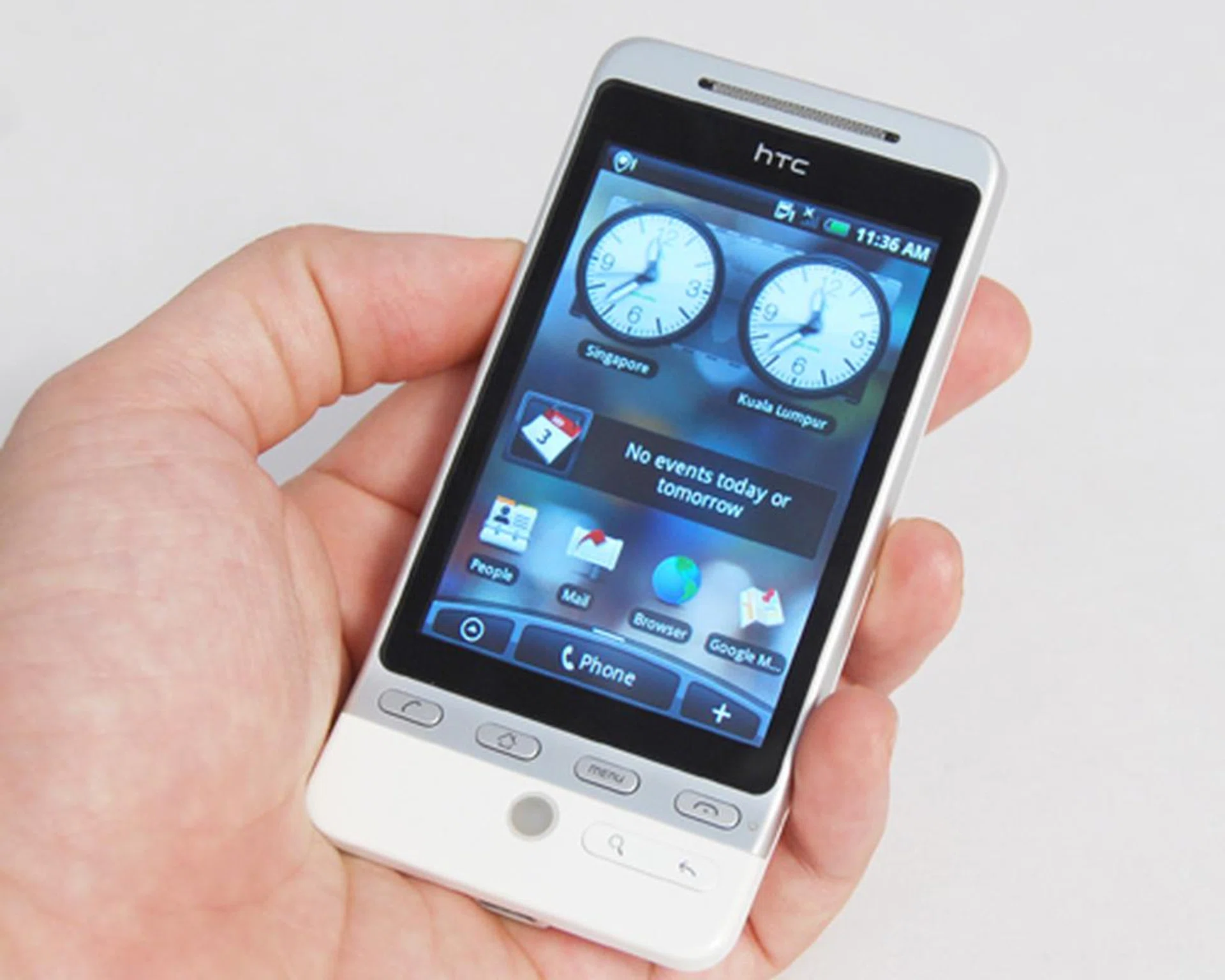
The Hero's actual breakthrough stems not from its hardware, but the software within. The Google Android platform is relatively new, and HTC's Sense UI is doing a great job in enticing the mainstream group to take the plunge and adopt this new mobile OS.
Usability is great on the Hero, and we found ourselves fiddling with its functions and going through more apps for download on the Android Market. The level of customization is high with the Hero. And if you're an internet junkie, you'll find constantly surfing the web or checking your Twitter account is easily managed. All this, and more, without worrying about the Hero dying on you too quickly. We've demonstrated how the Hero is able to survive our battery stress test at up to nearly five hours, and on the move, it was able to attain almost two days of uptime with moderate usage.
The Hero's strength is obvious in its delivery of its interface, but like most superheroes, it does have a weak spot. In HTC's case, it's always the camera. HTC is in need of improving upon its device's imaging quality to keep up with the competition. And the competition is getting stronger, with the advent of mobile devices such as the Sony Ericssion Satio that's breaking into the 12-megapixel imaging scene.
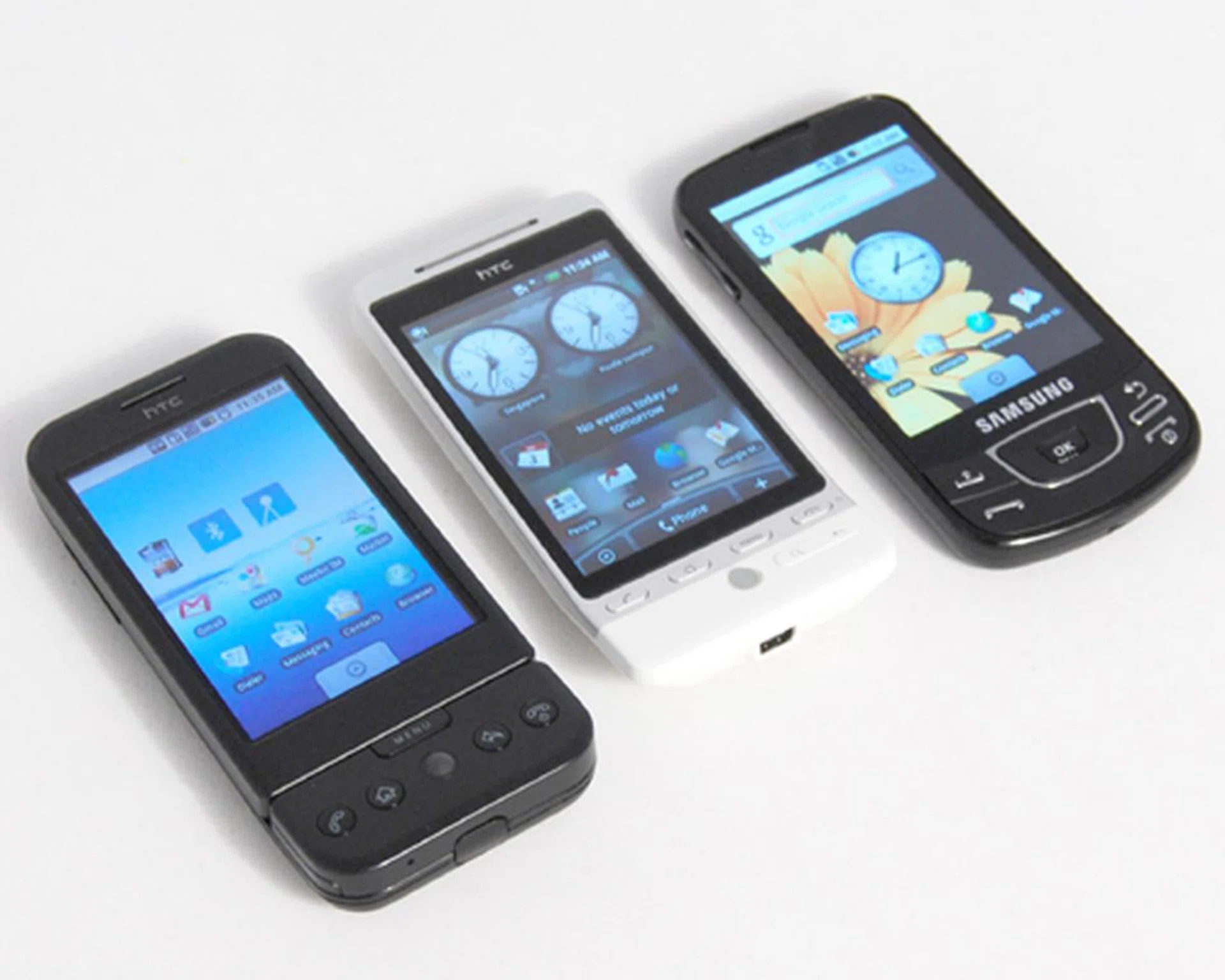
For now, HTC is dominant in the Android market. Samsung has introduced its first Android device, the Samsung Galaxy (pictured right), but there's no confirmation on its visibility here in Singapore. Meanwhile, we'll be keeping our fingers crossed for more Android devices from the likes of LG, Sony Ericsson (such as the Xperia X3) and Motorola in the near future.
For all that's been presented, we found the HTC Hero to be one of the best Android devices to date, thanks to the Sense UI. Of course, they are the dominant force for now, seeing as how manufacturers such as LG, Sony Ericsson and Samsung are only just starting to announce the availability of their own Android devices. The biggest carrot that HTC has dangled, is the price point of S$898 for the Hero. Amongst its recent Android announcements, this is probably one of the most reasonably priced devices. For that, and its Sense UI, we give HTC the thumbs up for a fine job in keeping the fledgling Android platform going strong with a great phone to boot as well.
Our articles may contain affiliate links. If you buy through these links, we may earn a small commission.