
MWg's Atom V - A Quick Peek
Months after O2 announced its departure from the Asia Pacific market, followed by the succession of the new Mobile and Wireless Group (MWg), the new group has a slew of products lined up for the year 2008, and here's a preview of their first entry of the year, the Atom V.

Reacquainted with the Atom
When O2 announced its imminent withdrawal from the Asia Pacific market, it was smartphone enthusiasts who were left with a reality of losing a prominent Windows Mobile device in its wake. Fortunately, the O2 Asia team has taken on the mandate with a new initiative under the Mobile and Wireless Group (MWg), with an impressive lineup for the upcoming months.
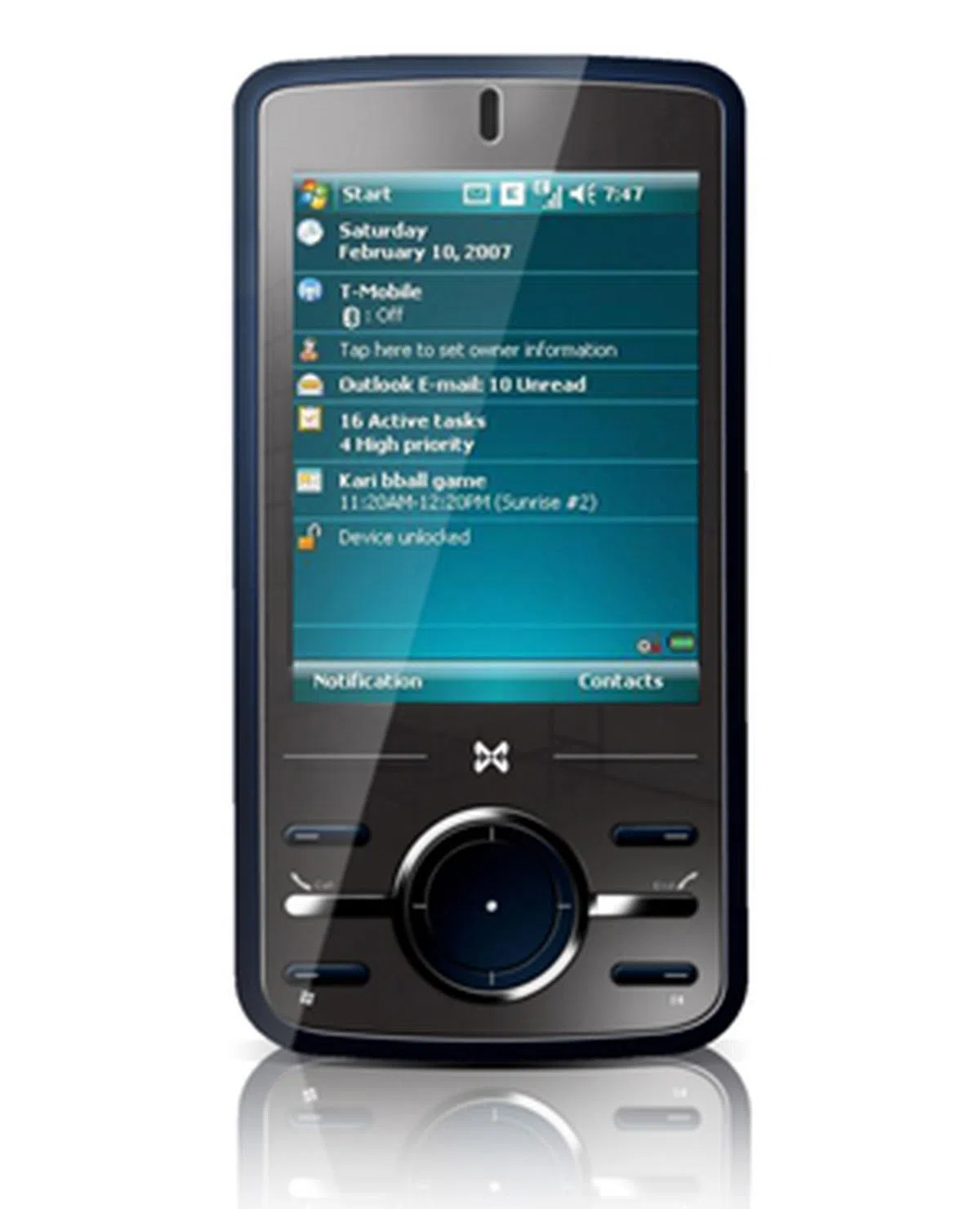
For starters, we were presented with their first introduction for the year, the Atom V. Exclusively designed by MWg and being their first of many more releases to come, the Atom V takes on a form much unlike its previous O2 XDA predecessors.
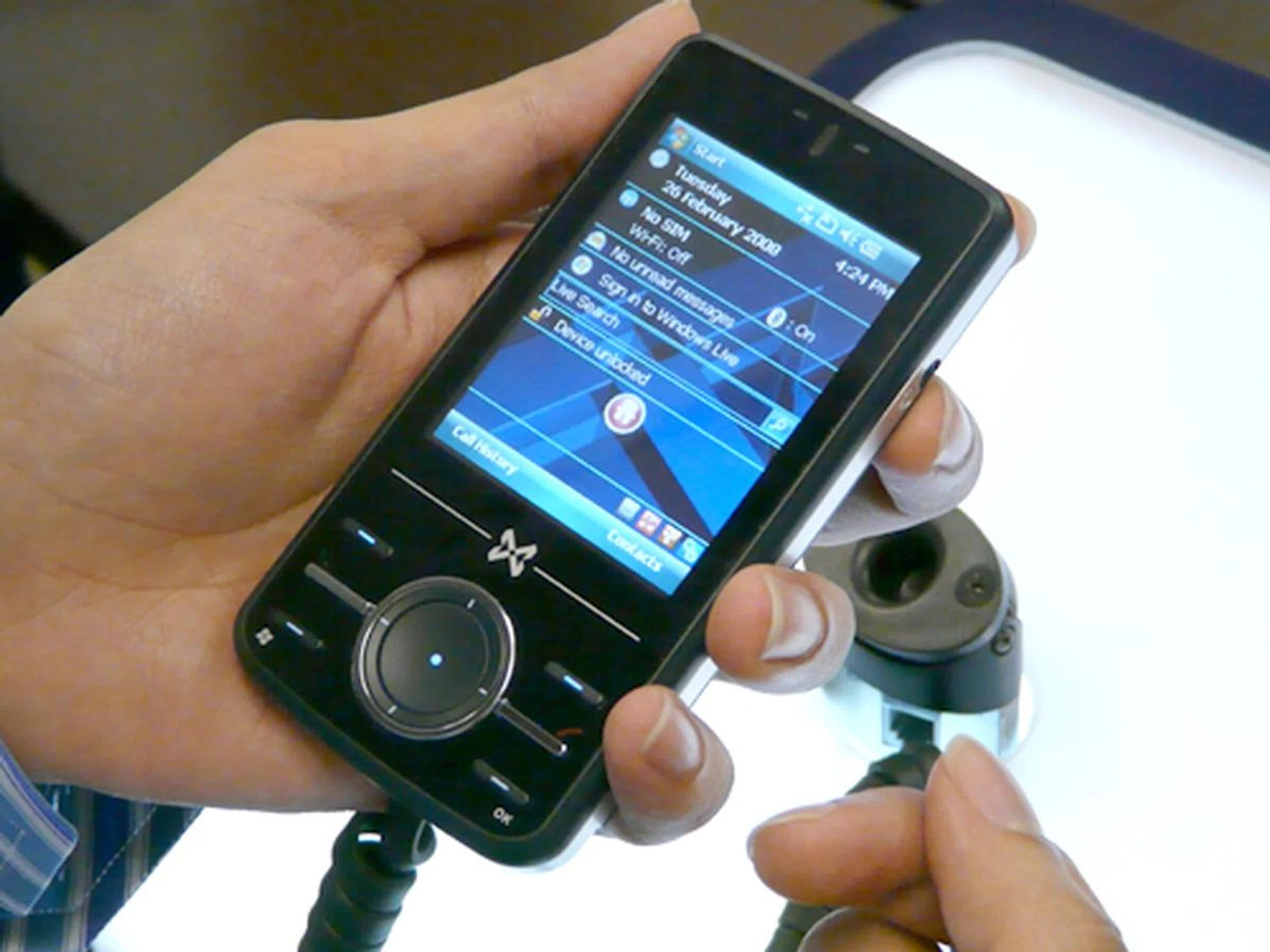
You'll notice the biggest difference on its navigational pad, with softkey buttons seemingly too narrow for comfort.
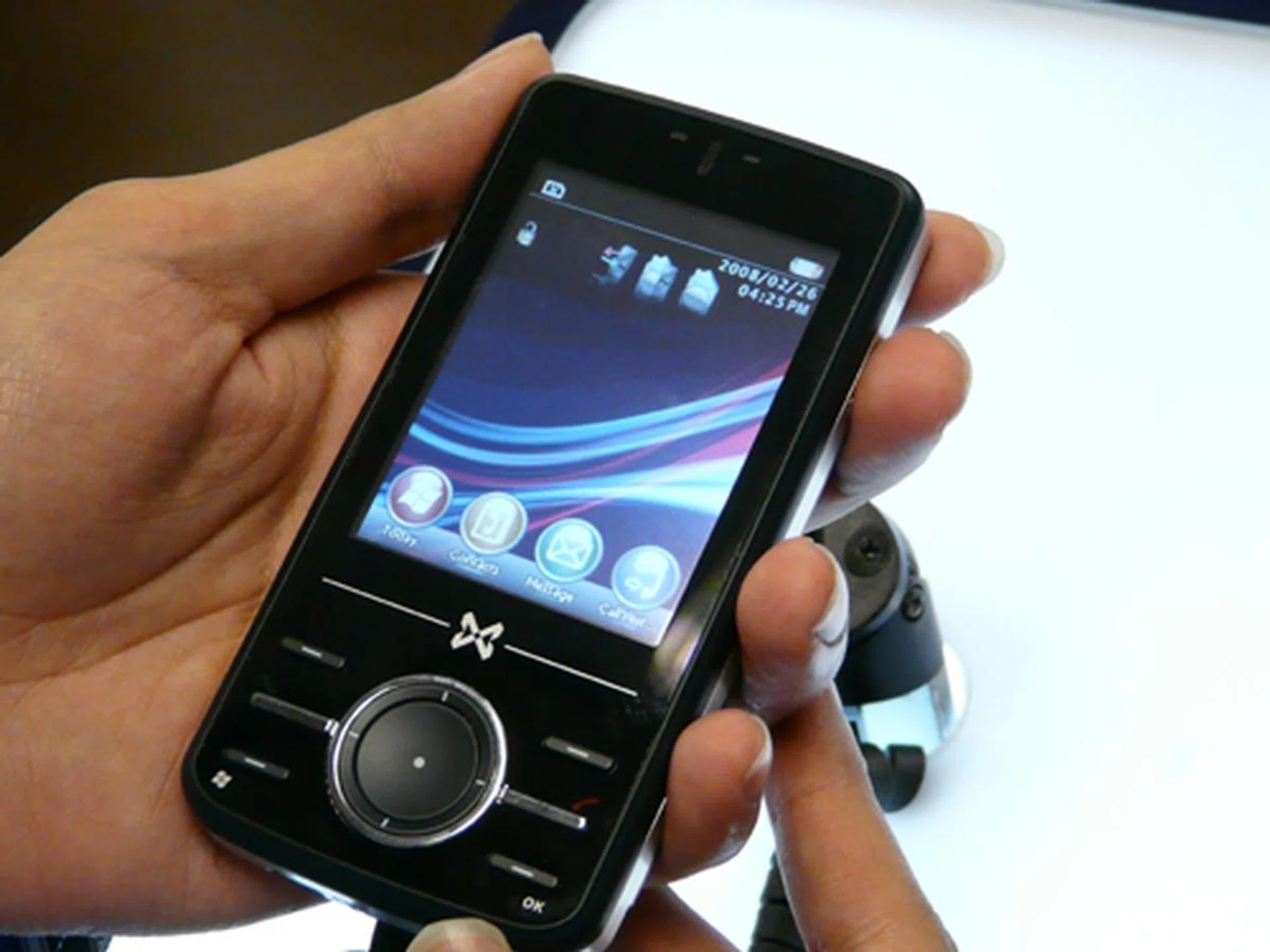
Adding some bells and whistles to the Atom V is a propriety user interface known as the Atom V Quick Menu. The flushed screen made sense to us when we discovered the ability to scroll through your various applications with the flick of your finger. With the option to mix and match various applications into the Atom V, MWg has a clear direction in providing a unique user interface for consumers.
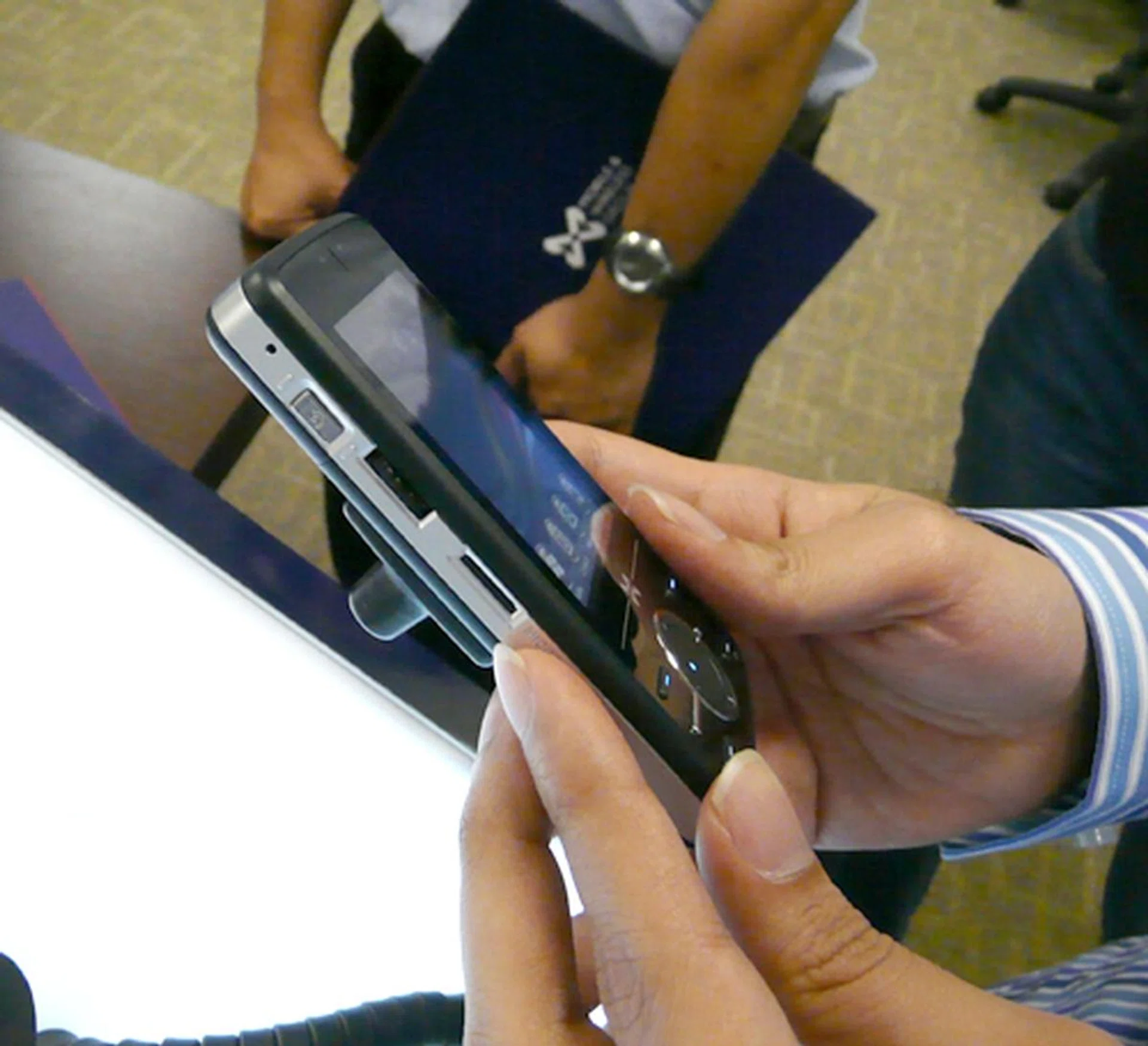
You have the camera button, scroll wheel and microSD slot situated at the left side of the Atom V, but what's of interest here is ...
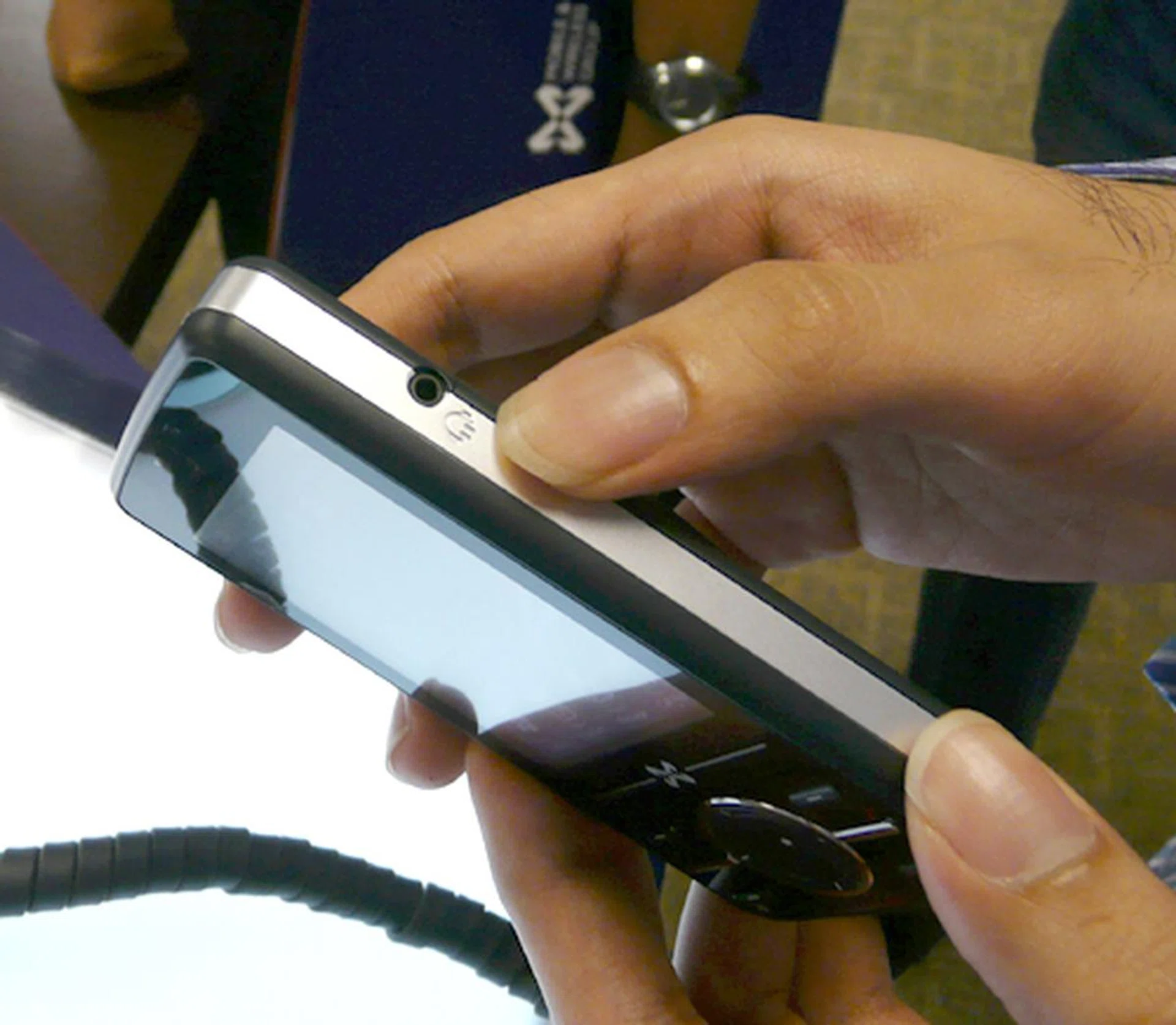
... the location of its 2.5mm audio jack, oddly found on the top right, just slightly above the battery casing.
Inside the Atom
The Atom V is loaded with Windows Mobile 6, though unofficially, Windows Mobile 6.1 has been making its round on the web over the past few weeks since its appearance at Mobile World Congress. Of special note here is its RAM size of 64MB, which we subjected it to a quick test of its speed at handling applications and noticed a slightly sluggish loading speed. Weight and size-wise, the Atom V would occupy a full palm size, making it slightly bulky and a bit of a heavyweight at 140 grams. A brief specification of the Atom V is presented here.
 |
|
Our articles may contain affiliate links. If you buy through these links, we may earn a small commission.