
BlackBerry Bold - Dare to be Different
The folks at Research In Motion have upped the ante in the mobile phone competition with the introduction of their sleekest BlackBerry device to date, the Bold. Sparing you with all the cliche statements about the Bold's moniker, we'll get down to business with the full review of the newest BlackBerry device in town.

Boldly Go Where No Phone Has Gone Before!
The BlackBerry Bold, from what we can see, has definitely made a few lasting impressions for both the BlackBerry fans and those who have found their comfort zone with other devices. In fact, Research In Motion (RIM) has definitely raised its profile with the introduction of their new BlackBerry device, the BlackBerry Bold. Enjoying almost as much hype as the recently launched iPhone 3G , the Bold had even been viewed as one of the stronger contenders versus the iPhone 3G's dominance in the mobile phone segment. Truth is, the Bold has also left a remarkably deep impression on us to the point that we felt obligated to give the Bold the attention it deserves. Thus, join us as we give you a detailed look at RIM's sleekest and possibly its most impressive device to date.
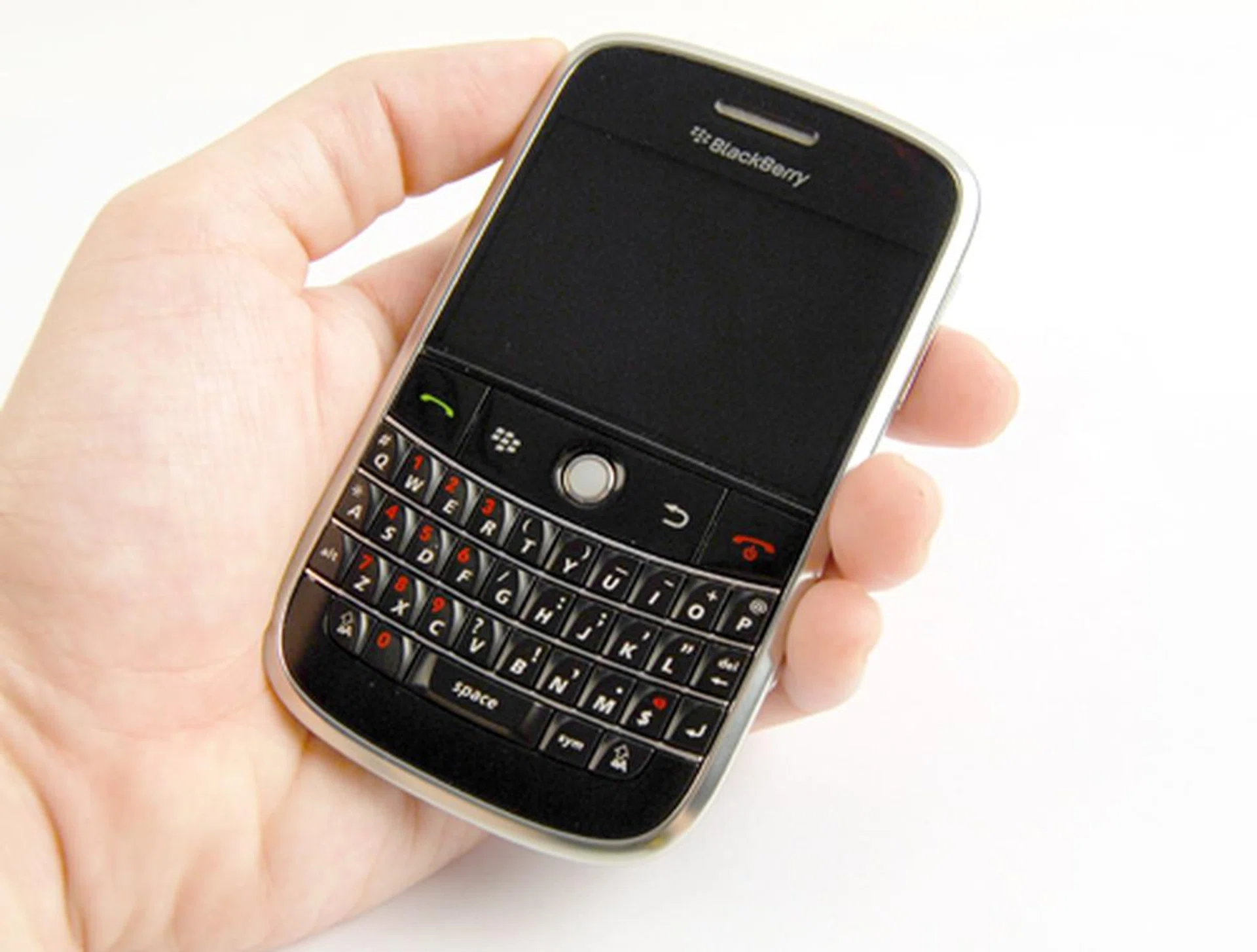
BlackBerry Bold 9000
A Macro Perspective
To put things into perspective, the Bold has definitely gone for a major overhaul in its aesthetic department. For one, you'll notice that it is a huge departure from its previous predecessors' less than stellar plastic look, the Bold now comes in two shades, i.e. primarily black with a chrome silver lining along its sides. We are reviewing a BlackBerry device after all, and when it comes to the BlackBerry name, QWERTY keyboards are often than not associated with it. Thus, we did the standard messaging tests on the Bold's keyboard, and out of ten attempts at typing "The quick brown fox jumps over the lazy dog.", we had at least two attempts with some mistyping. But even so, we can safely say the Bold has managed to give its other QWERTY keyboard rivals a run for their money with its wide keyboard, appropriately raised keys without compromising on the smoothness of its design.
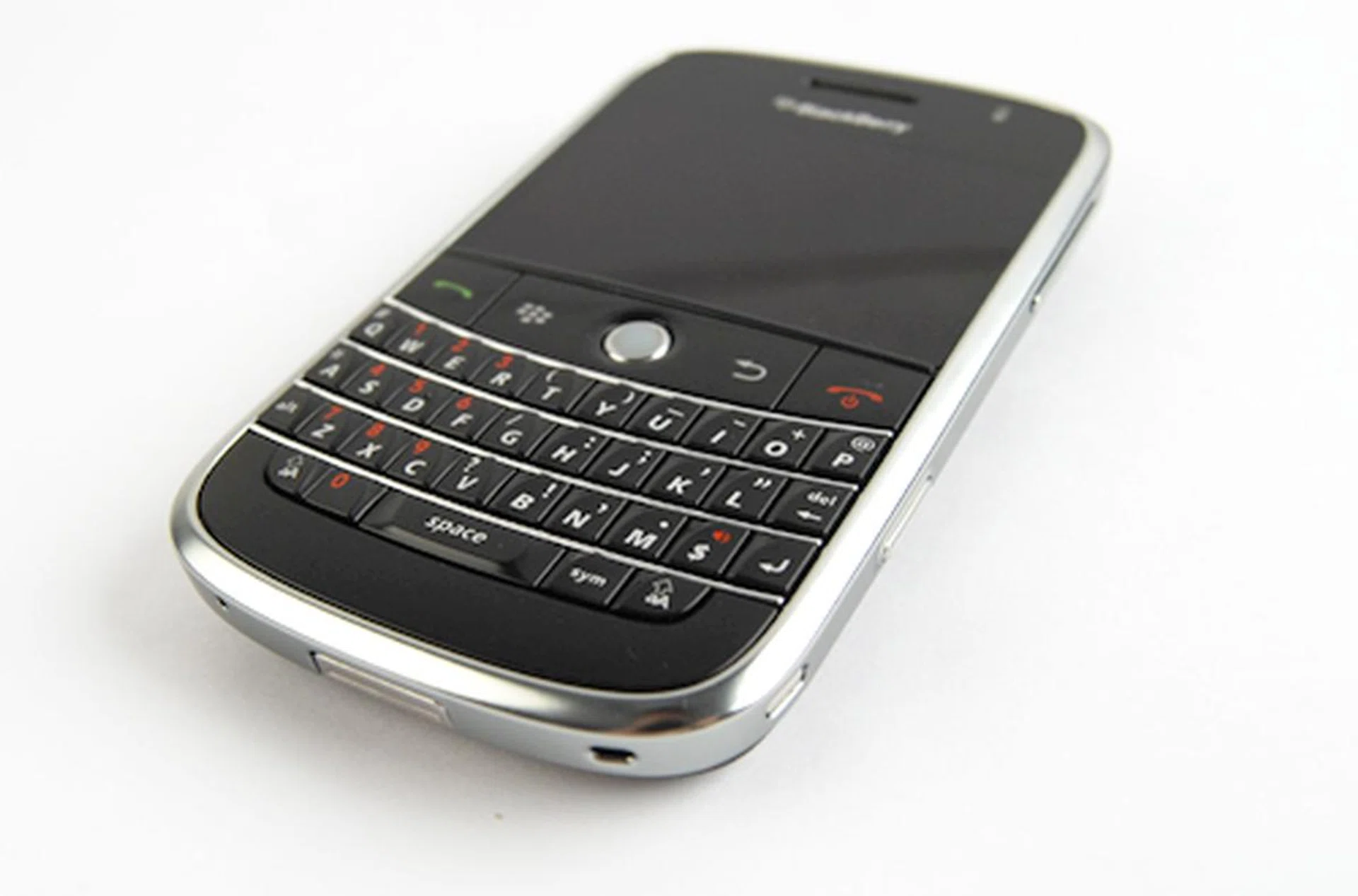
As mentioned, the Bold comes with two primary colors, predominantly black with a silver chrome border running along the edges.
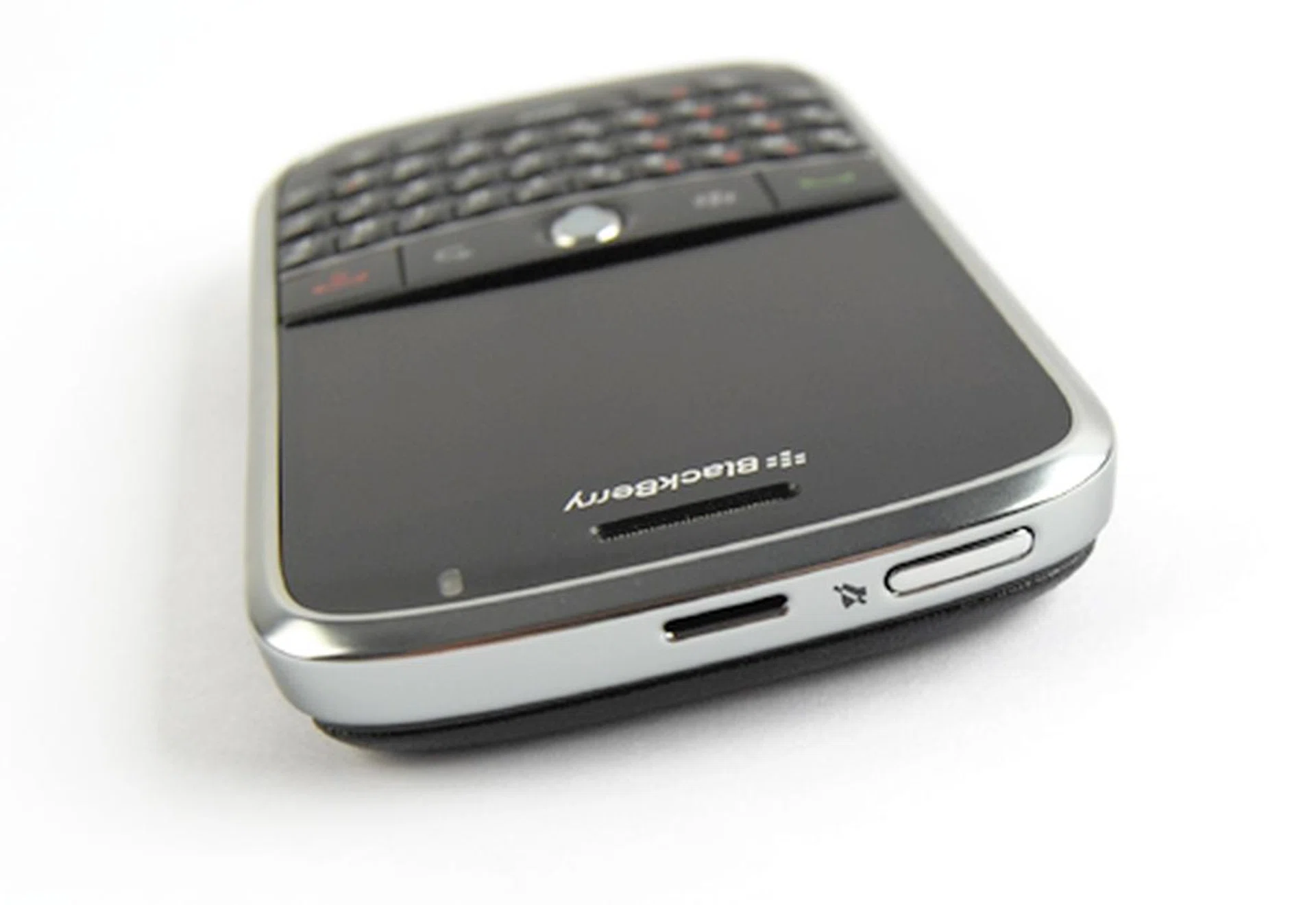
Do not mistake this button that's located at the crown of the device as the Power button. This would be the Hold button that'll lock your Bold's keyboard from any accidental typing.
Undeniably, the Bold comes with some vast design improvements, one of which is the microSD card slot. For those who are familiar with earlier BlackBerry models, you might remember and wince at the inaccessibility of the microSD slot which requires one to remove the battery casing and lifting the microSD holder (yes, we are using the word holder since it acts more like a holder than a slot) to reach your microSD. The RIM folks have made a wise decision to do away with the location, and instead shifted the microSD slot to an easily accessible location, i.e at the left profile of the device. Furthermore, the microSD slot is now protected by a hinged cover and easily opened, so you can bid farewell to inaccessible microSD cards. Likewise, the Bold follows through with the inclusion of a 3.5mm audio jack, a mini-USB slot (which, in our opinion, has more merits than using a micro-USB slot that's not easily interchangeable) and finally the voice tag button, all positioned with the microSD slot at the left profile. This leaves the right profile much cleaner, with only the Volume buttons and the dedicated camera button for its 2.0-megapixel camera.
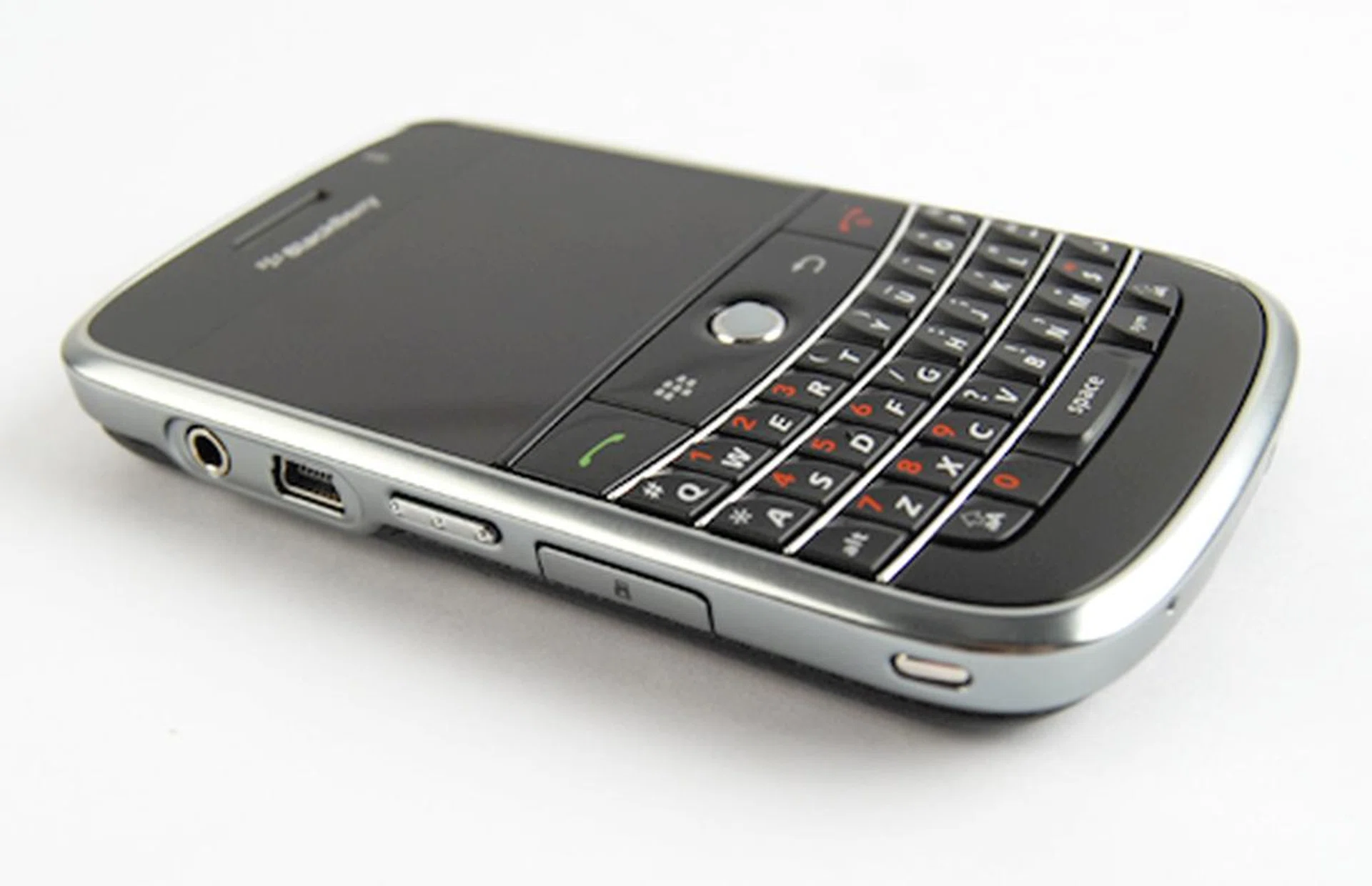
the microSD slot that's now located at the side of the device, instead of...
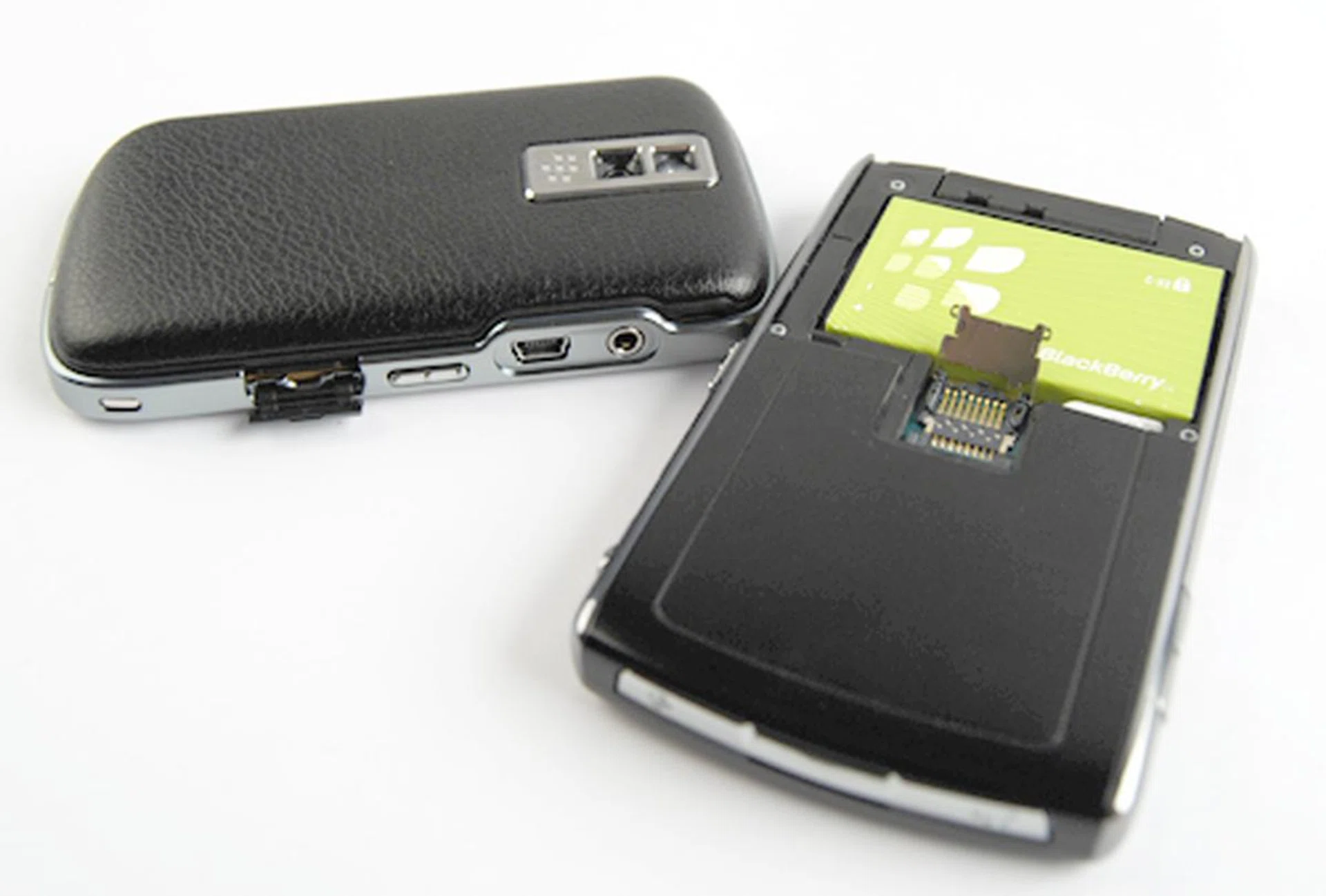
...underneath the battery casing as with its predecessor BlackBerry devices, thus giving you easier access to your microSD cards from now on.
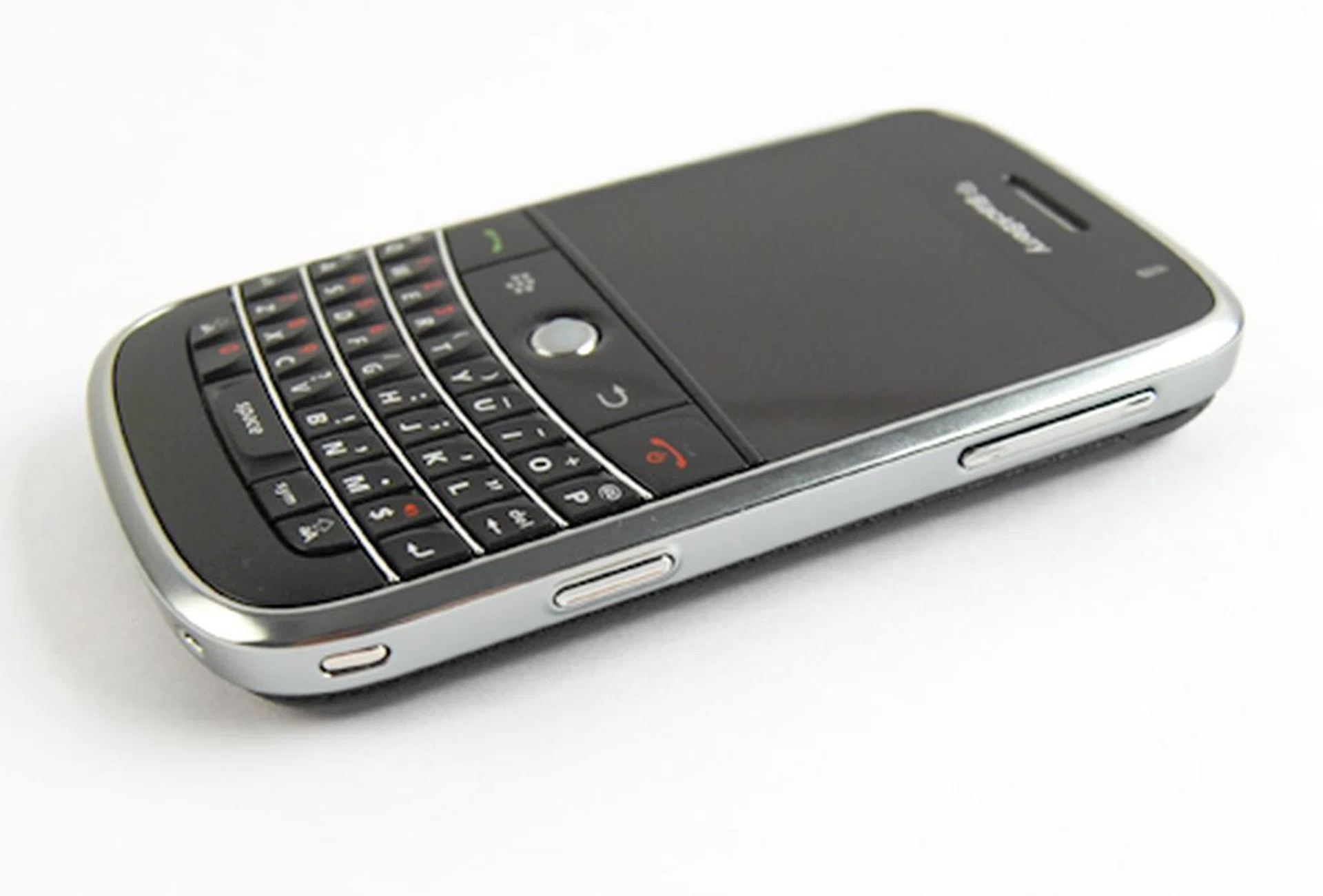
The right profile is reserved for its Volume and Camera button, both of which were raised to an optimum level for pressing without creating an unnecessary bulge to the overall smooth design of the Bold.
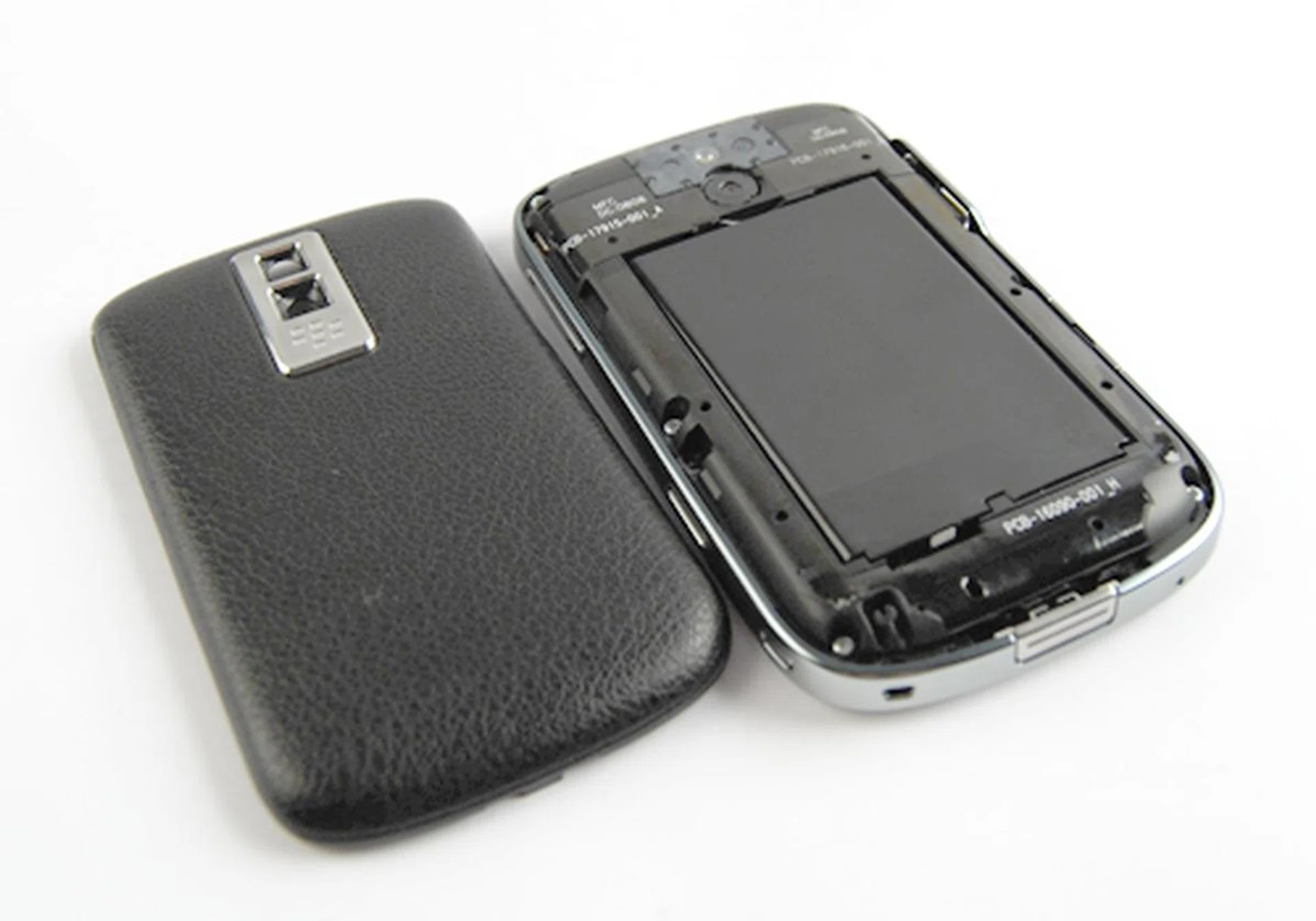
As mentioned, the Bold comes with a 2-megapixel and an LED flash to combat low lighting conditions. But what caught our attention, and probably yours, will be the leather-textured battery casing that not only makes the Bold look good, but also provides a practical usage, i.e. a good grip with the traction of the leather material. As we move on to the Bold's display screen, there'll be some questions on its screen size and display resolution. On estimation, the Bold measures at up to 2.6-inches for its screen size, and comes as a half-VGA screen with resolutions at 480 x 320. We'll be going into further details on the screen performance, so in the meantime, here's a better look at both the screen and the back of the Bold.
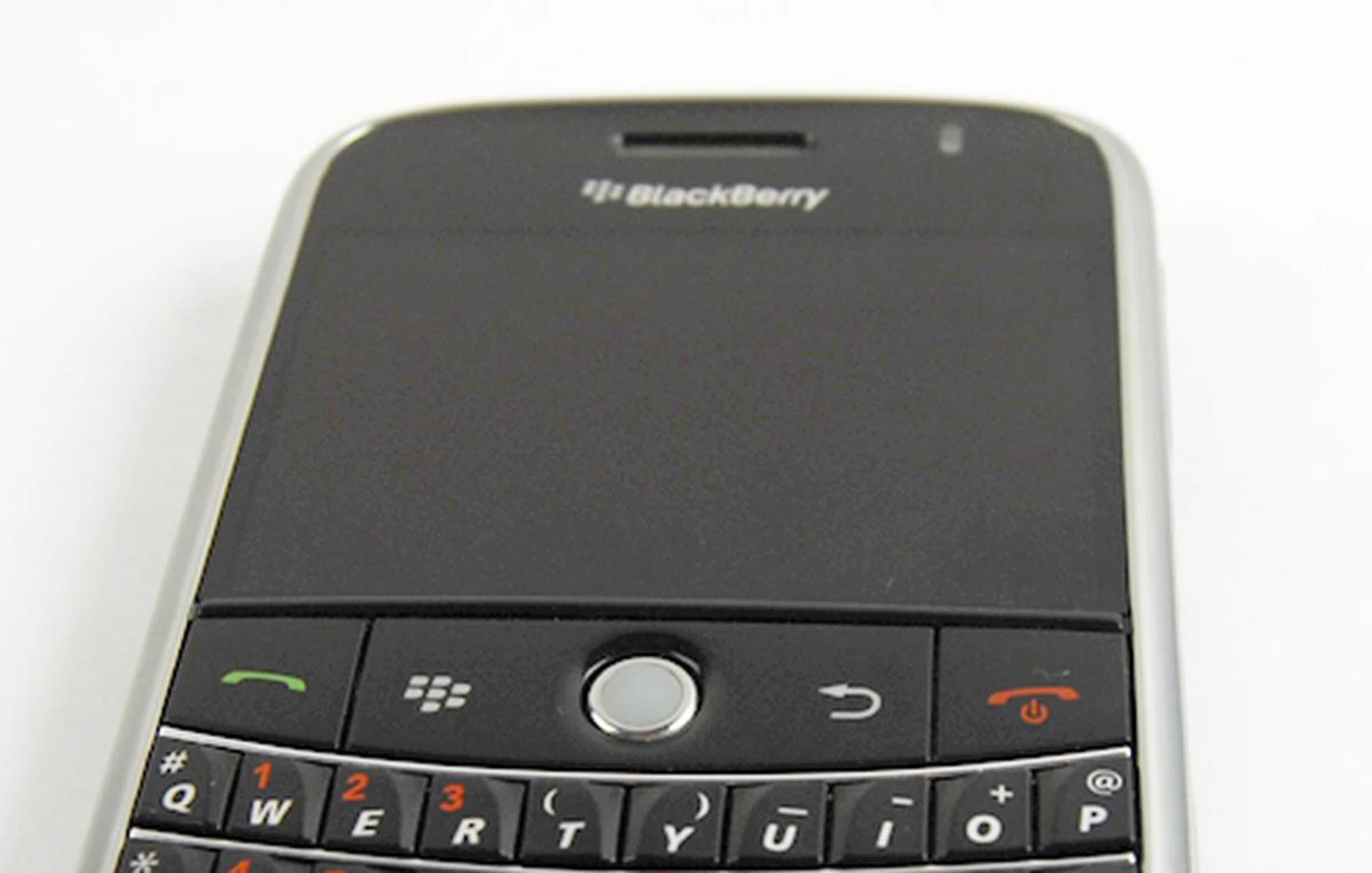
The Bold comes with a half VGA screen at resolutions of 480 x 320, and measures at approximately 2.6-inches. Though it won't have the luster of what the HTC Touch Diamond or HTC Touch Pro provides with its VGA screen, we were still duly impressed with the brightness and details to attention for the Bold's screen.
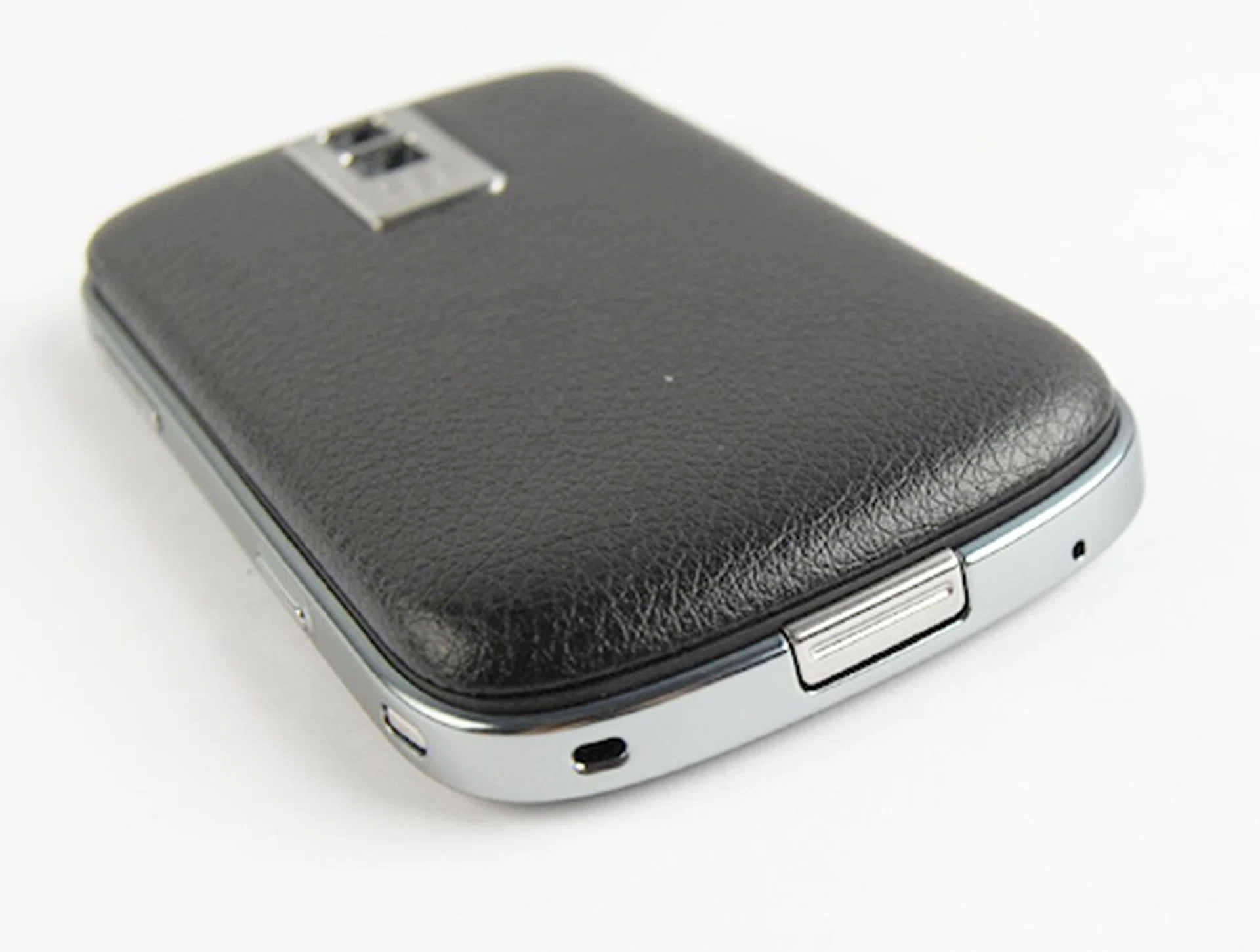
Notice the little catch here? Battery casing removal is just a press away with the button here, and looking closer, you will see the leathery texture that's melded onto the battery casing.
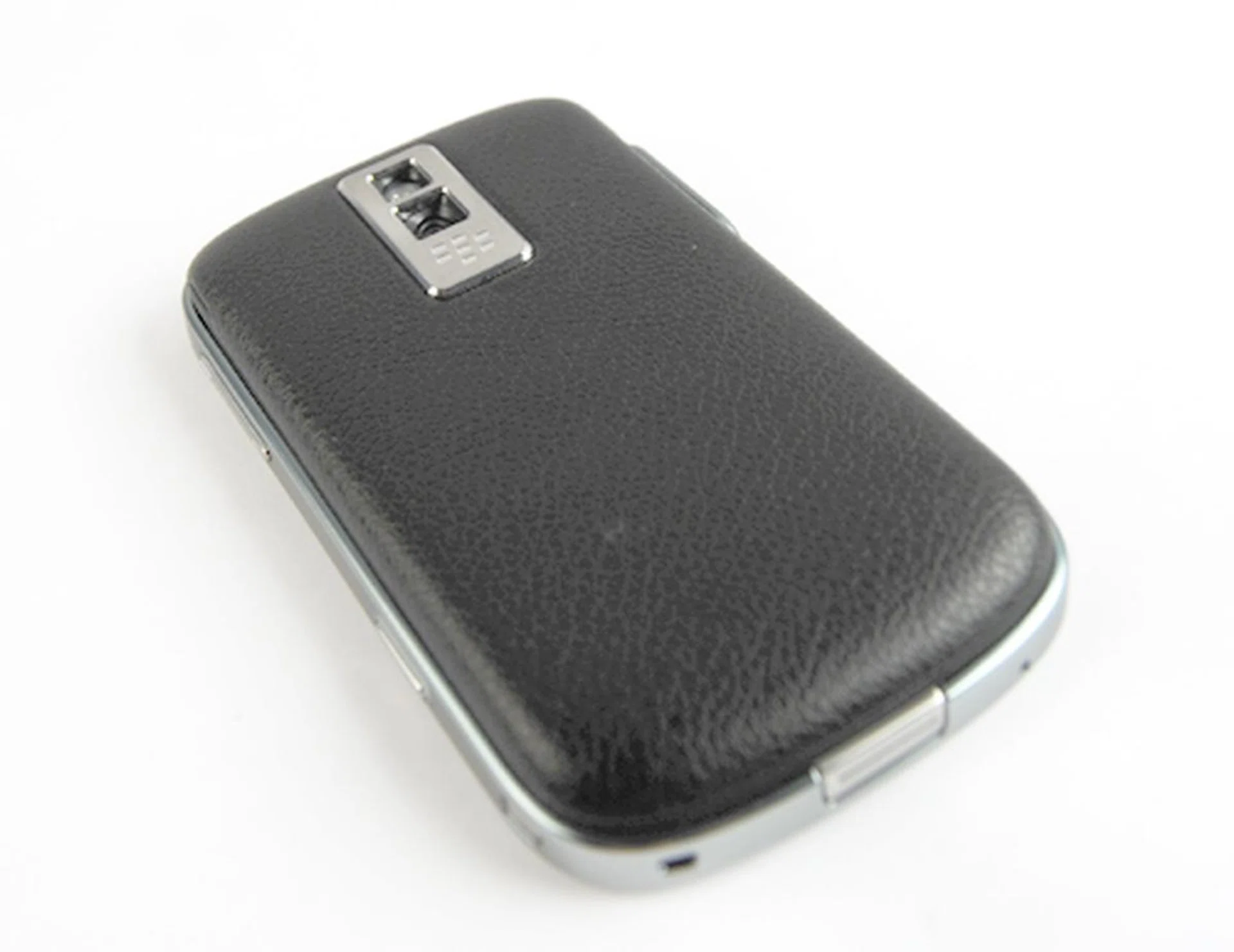
And the leather backing is not all for show. Thanks to the traction from the leather material, you'll get a better grip with the Bold, which in turn allows you to type faster and navigate better on the device.
Berry Feature-Packed
The Bold, as one might expect, has a plethora of features that makes it one of the most updated BlackBerry device to-date. On the connection front, the Bold comes equipped with all things necessary to make it a powerhouse device capable of empowering you for both your business and personal needs. But what we'll be focusing on now, is its updated operating system to BlackBerry OS 4.6, along with its attractive looking interface.
With the Bold on its standby mode, you'll probably notice the clock that's splashed on the main screen. Viewing this as a screensaver of sorts, you will probably be more interested in entering the Home screen of the Bold, and accessing the myriad of features within. Once you've hit the Home screen, you'll notice that the shortcut icons are now no longer positioned as a column on the left, but in a straight row at the bottom of the Home screen. The Bold understands the basic needs of a busy business executive who wants immediate access to his emails via the Blackberry Enterprise Server, and would like to have the option to enjoy a bout of entertainment on those long haul flights. Thus, starting from the left, you'll find the Messages and Email shortcuts first, followed by your Contacts, Calendar, Browser and finally, the Media shortcut.
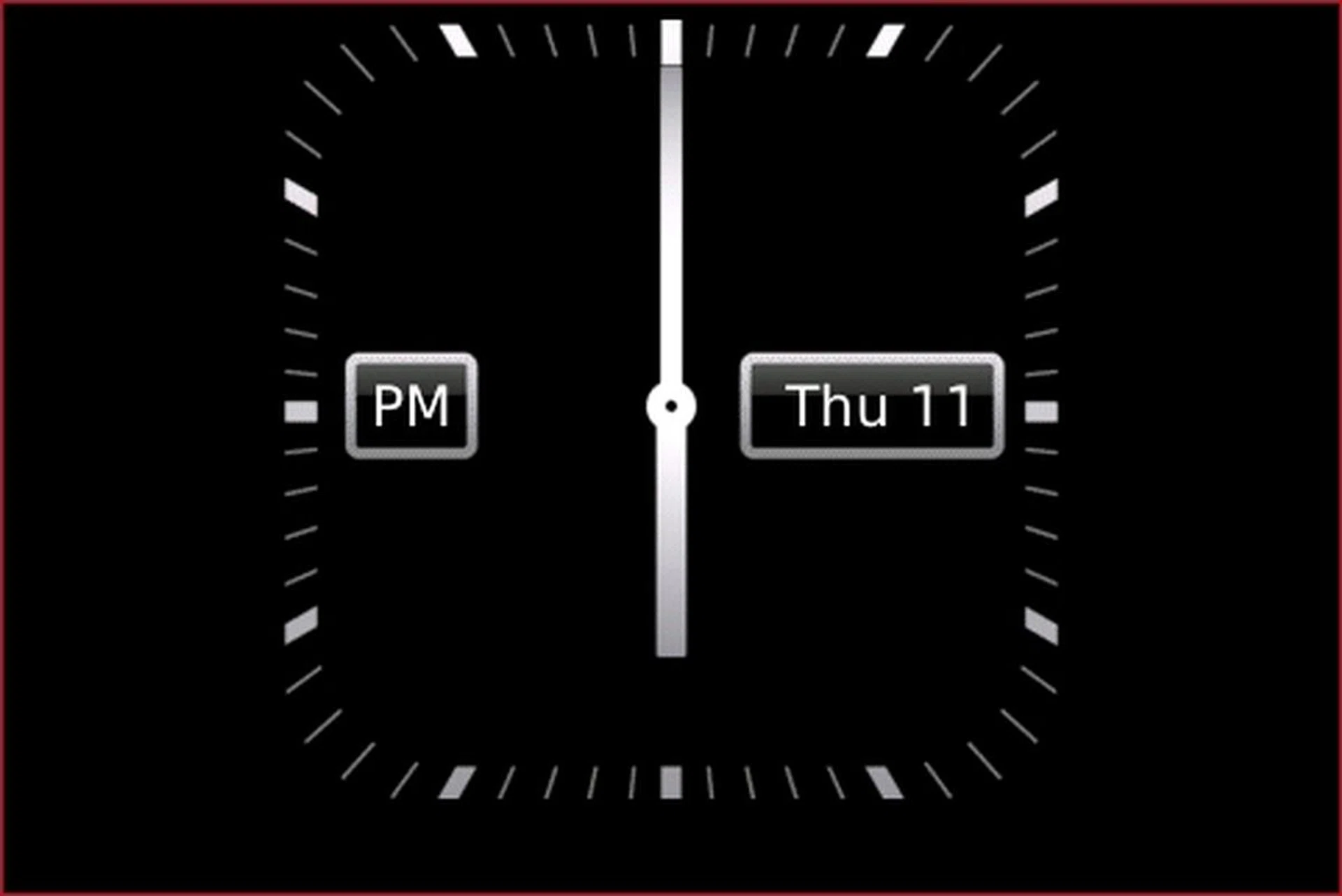
During Standby, you'll have the analog clock (which can be changed to other forms such as digital or LED clock) as the screensaver, and upon pressing the Menu button, you'll be able to switch amongst various applications.
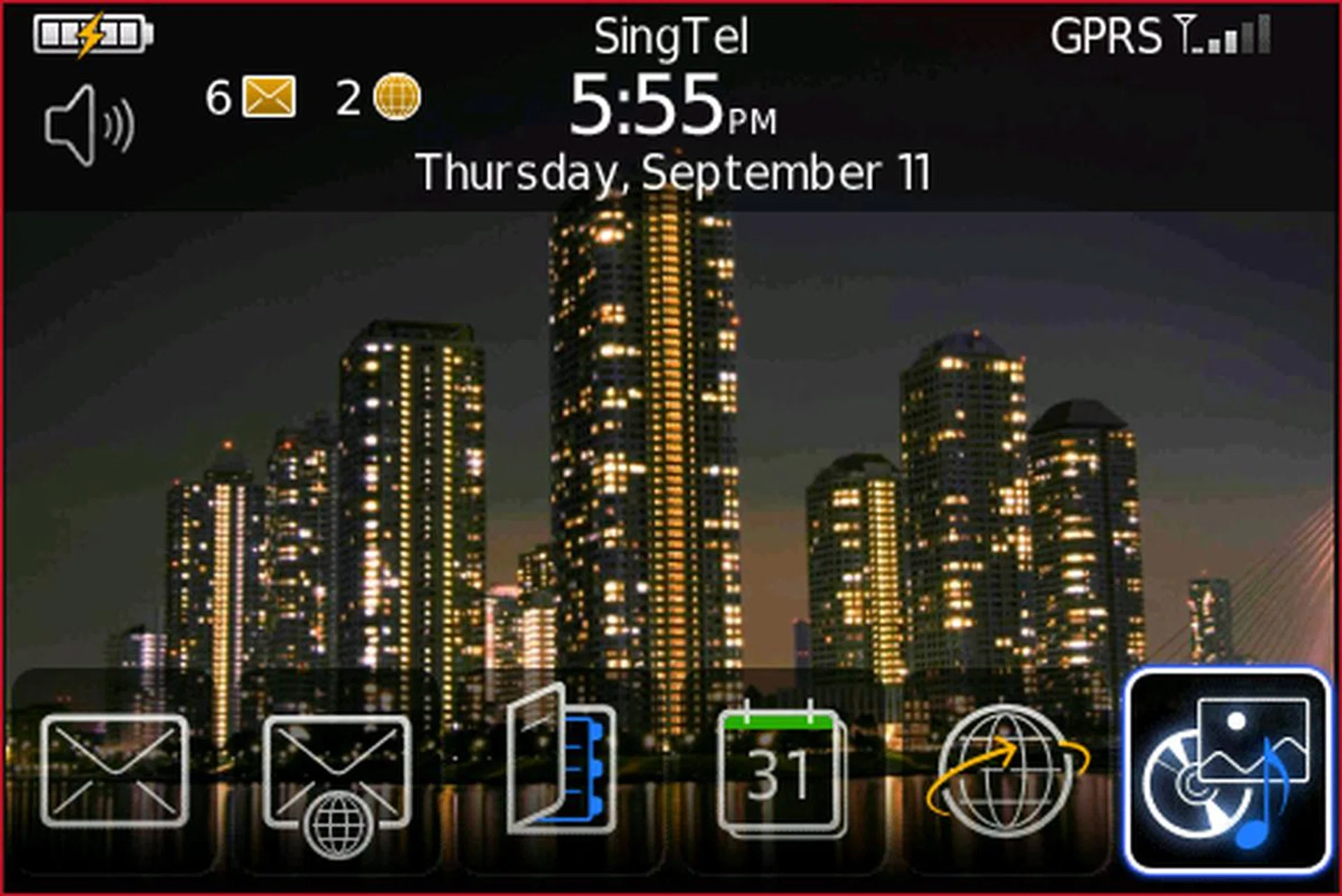
First impressions do matter, and the Bold definitely made a good one on us when it greeted us with this snazzy new Home screen interface.
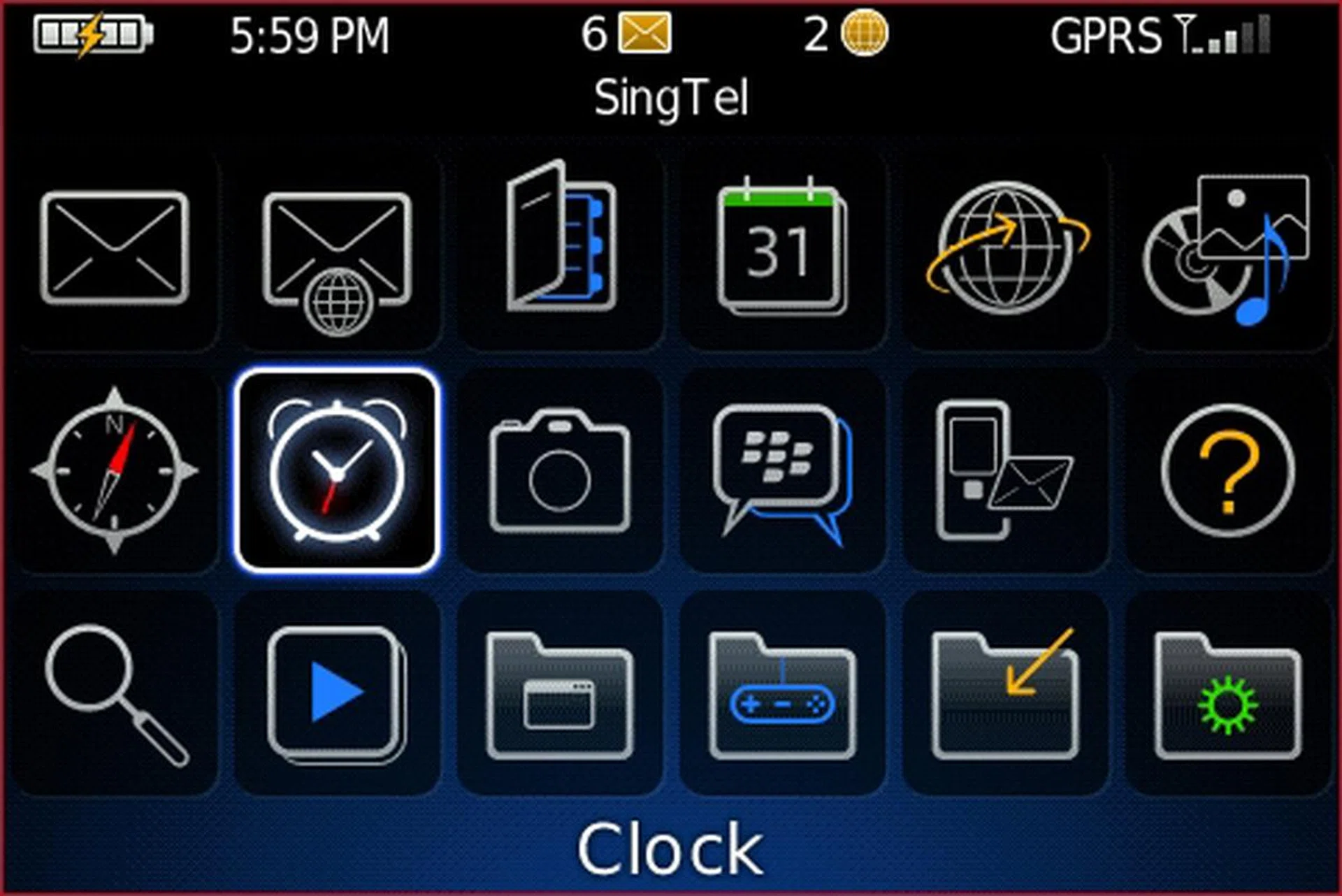
Going one level deeper, the main menu within the Bold is also just as well designed, giving the Bold a sleek feel for both its exterior and interior.
Whilst there have been no major changes when it comes to the Messaging, Email, Contacts and Calendar features, the real improvement comes from its Browser and Media features. With its half VGA screen, web pages were rendered with sufficient sharpness and clarity, and was definitely pleasing on the eyes. For multimedia functions, the Bold won't be the first to feature music and video playback (with the BlackBerry Pearl being the first RIM device to jump onto the multimedia bandwagon) but likewise, we were quite impressed with the image quality that we got on the 480 x 320 screen.
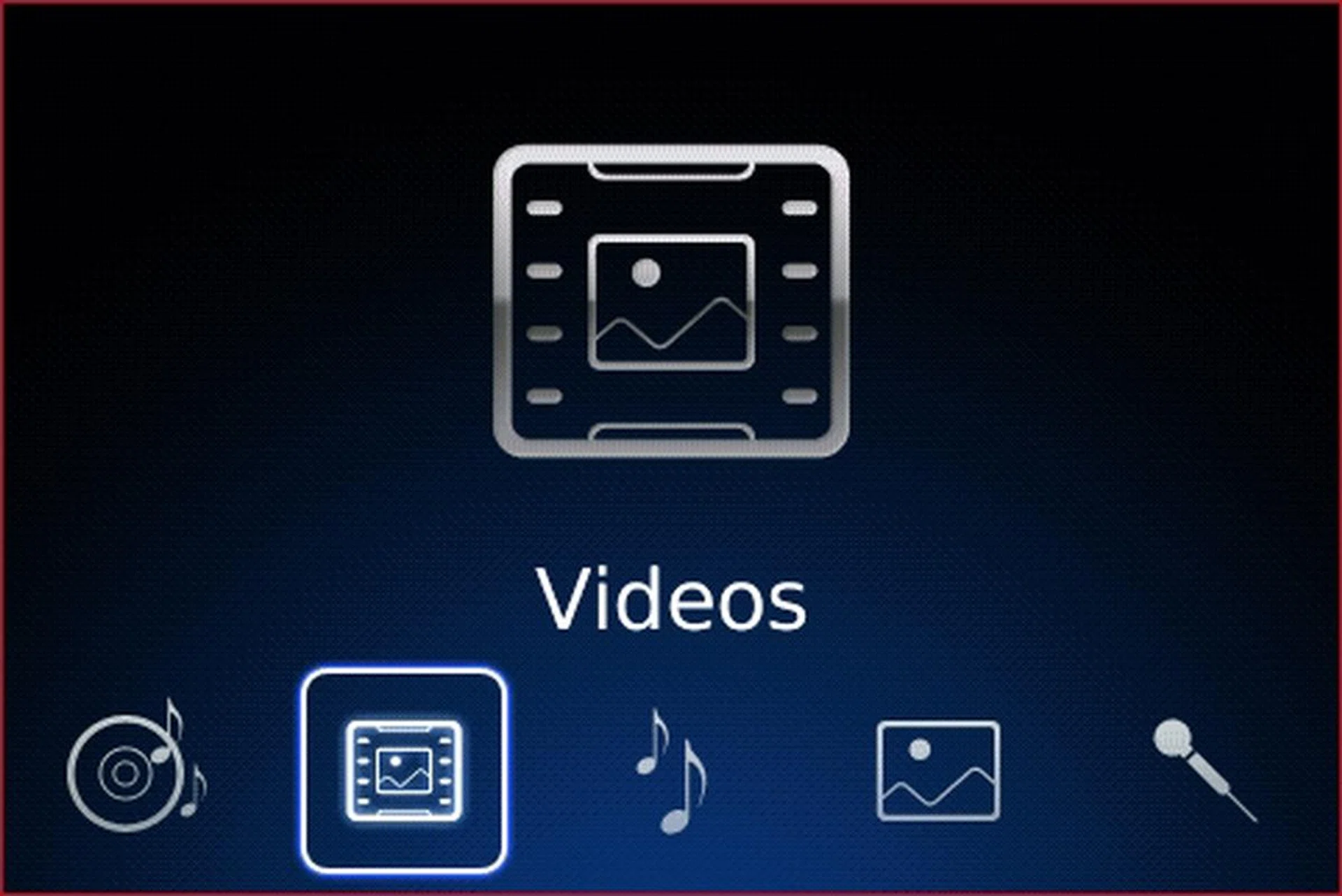
The Bold's multimedia features, especially its Video player, will be very well complemented by the half VGA 2.6-inch screen. Whether there'll be noticeable lag and frame loss in its video playbacks, we'll give you the assessment in the next page.

To give you an estimate of how well rendered the images are on its 480 x 320 screen, here's a screenshot of the Bold displaying one of the sample images. However, we feel that you should really see the Bold for yourself to know what we mean.
There's more to explore within the Bold, as you'll see with the suite of applications available for your use. For work purposes, you'll have the series of Word To Go, Sheet To Go, Slide To Go and various other office-centric applications. But, it's not all work and no play. The Bold is after all designed to give you 24/7 connectivity, and adding on to its BES work solution, there are personal messaging protocols such as Windows Live Messenger, Google Talk, Yahoo! Messenger and recently added into the pool, a Facebook application for BlackBerry. As one can see, the Bold has gotten all grounds covered with ease.
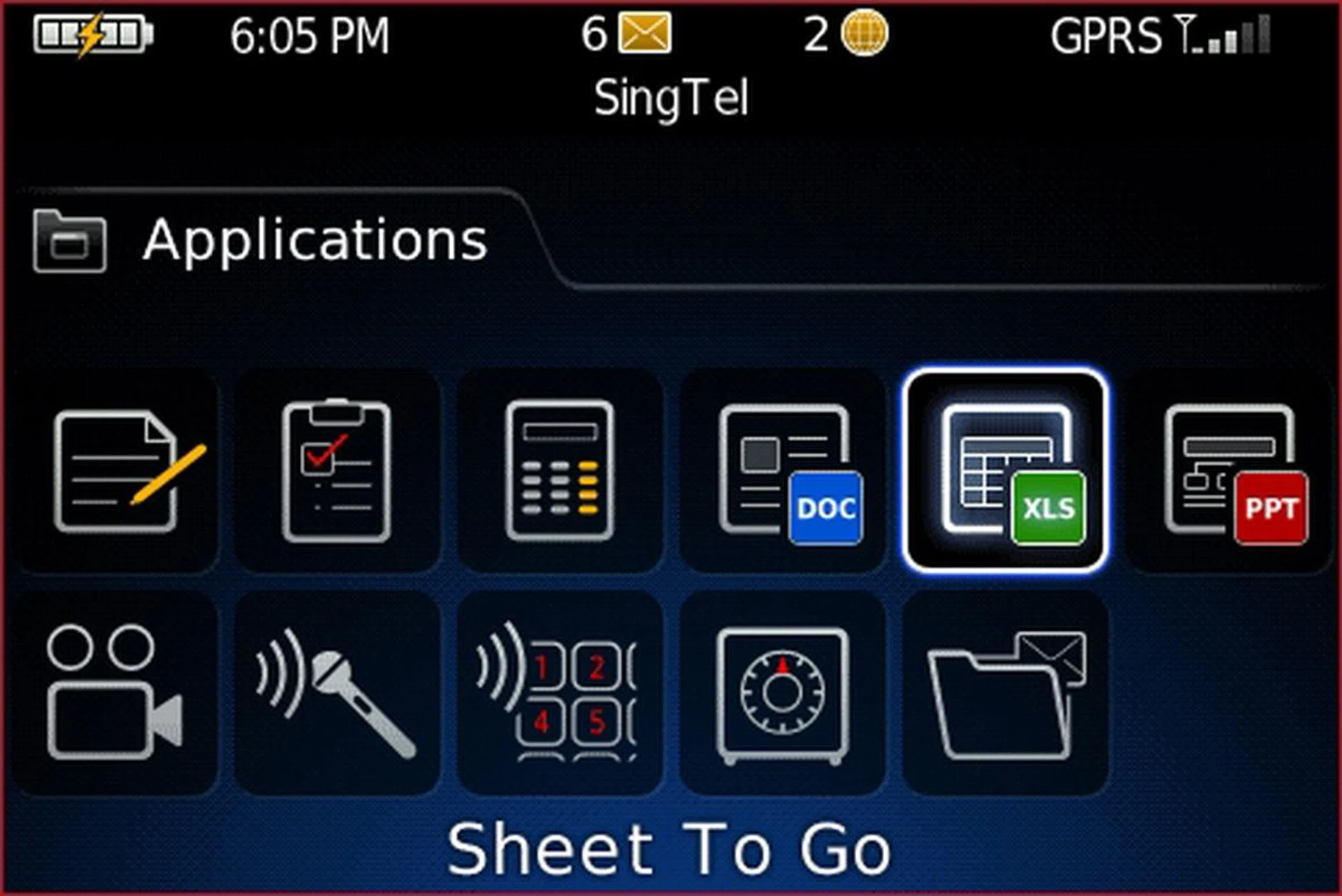
Synonymous with its BlackBerry reputation, the Bold comes with a suite of applications designed to assist you with work, but when it comes to entertainment on the go...
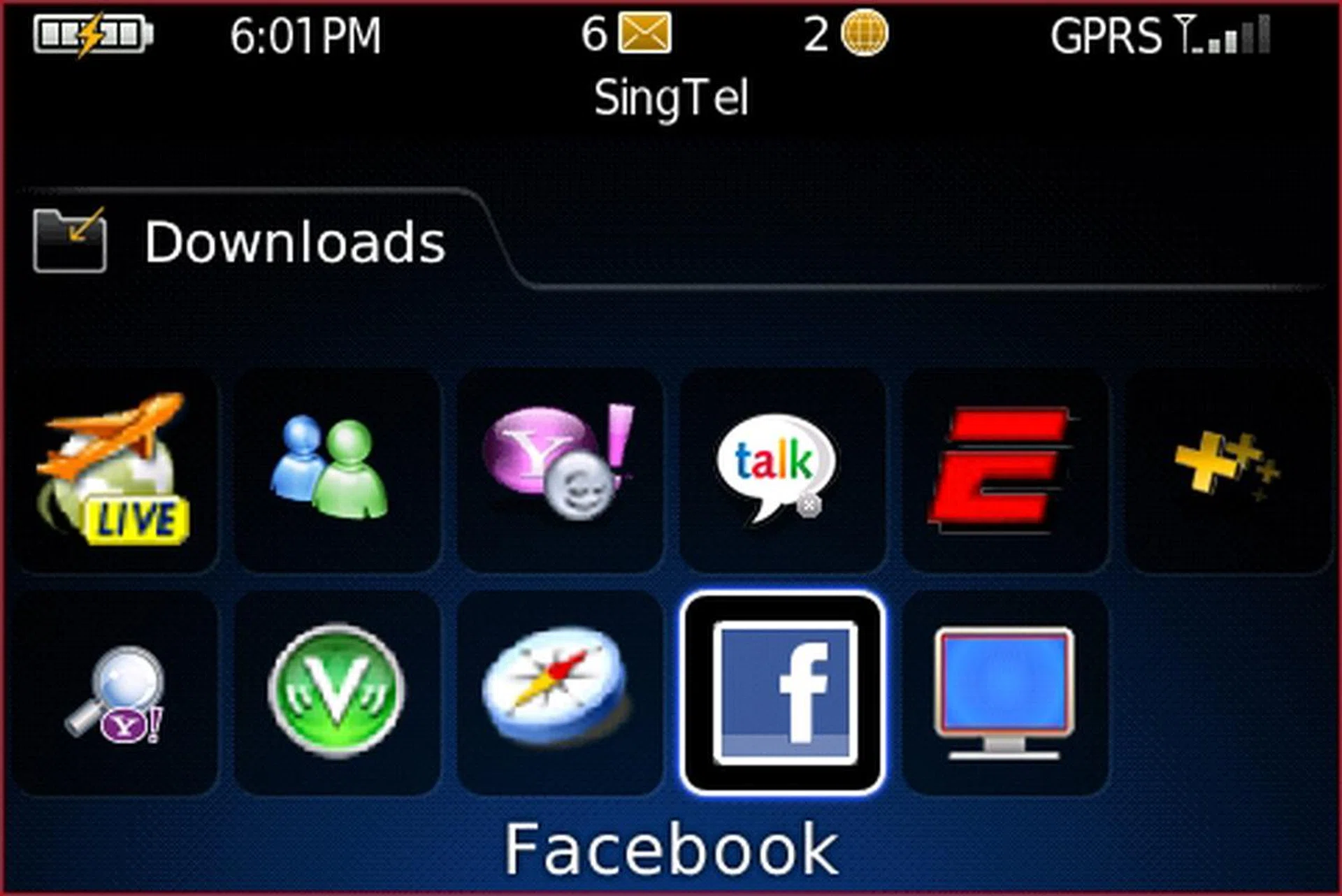
...there's also Windows Live Messenger, Yahoo! Messenger, Google Talk and even Facebook to keep you connected 24/7 on a personal level.
Bold Decision
When it comes to performance, a device is measured based on two very important aspects - speed and power. The Bold's specifications matches itself as a device that measures quite high on the speed front with its 624Mhz processor and 128MB RAM. However, with recent devices sporting large internal memory capacities of up to 4GB at the minimum, the Bold's 1GB internal memory probably won't be pulling in those who value storage over performance. Storage capacity still wouldn't be an issue, since the Bold does come with microSD expandability with SDHC support. Whether it can manage to handle its variety of features and functions is something that should be of interest to most of us.
To that, we gave the Bold a good workout by running multiple applications at a go to see how it manages to perform on the processor front. Running the web browser, Word To Go, Facebook and Windows Live Messenger, we progressed onwards to the sample videos as found on the Bold and took note of its performance. We did see frame skip and a slight lag in the video playback, which wasn't surprising to us as 128MB of RAM won't be sufficient should one heavily abuse the memory usage with multiple applications running on it. Nonetheless, once we closed off every application and did a bit of web surfing on its browser, we noticed that the pages rendered came out fast and smooth, with no discernible lag as we scrolled through the pages. Of course, fast page loading can be attributed to the swift internet speeds (we were running on a Wi-Fi connection) but it's undeniable that it takes a good processor to render pages just as quickly.

With a strong connectivity suite that includes Wi-Fi and HSDPA, getting online will be much faster on the Bold. And to top it off, we find the Bold's web browser to be quite speedy (probably thanks to the 624MHz processor) and easy on the eyes.
Speaking of connecitivity, the Bold comes with a huge collection of connection options. Yes, we are talking about 3G, Wi-Fi, HSDPA and GPS, but for the bulk of your time, you'll be quite heavily dependant on your 3G or HSDPA data connection. GPS comes in as a bonus for many, especially for the business traveler who needs to locate his next destination in a foreign land. On the Bold, you get both RIM's BlackBerry Maps, and Google Maps for good measure when it comes to navigation purposes. On a clear day, we managed to get a satellite lock in less than a minute utilizing BlackBerry Maps (which actually maintains a data connection with the BlackBerry server to provide you with the maps).
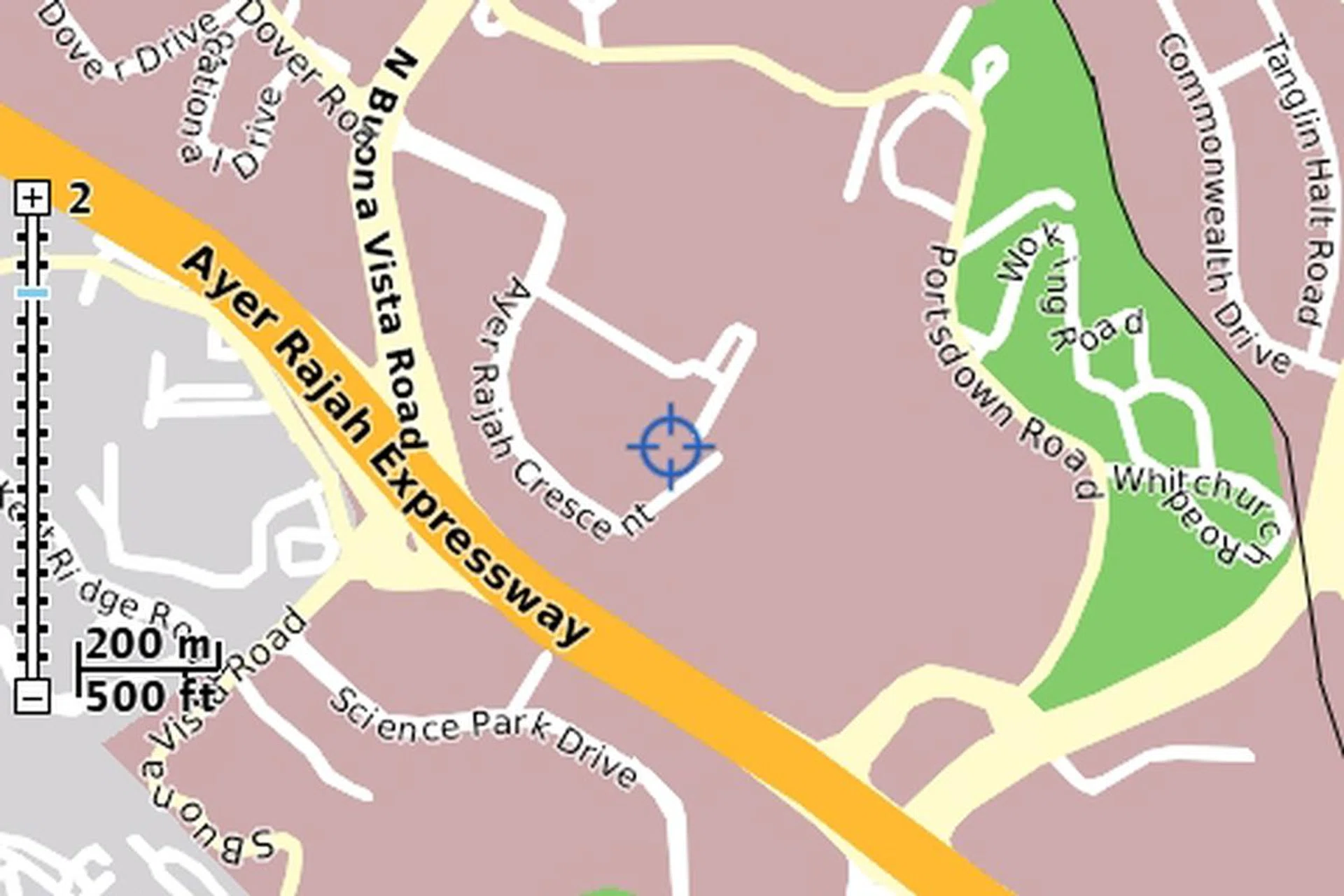
Though its BlackBerry Maps probably won't be able to match up to the dedicated features of a GPS device, the Bold does deliver the basics and allows you to find places with no frills.
On the multimedia front, we can say the Bold performed much better than its Pearl predecessor did on both the audio and video aspects. We listened to a selection of bossa nova jazz tracks from Lisa Ono's collections and some heavier tunes by Guns' N Roses, both of which gave us some good levels on the lows, mids and highs. For video, we went back to the sample videos as provided on the bold, and gave it a thorough run. We'll have to harp on the same point once more - the display is excellent on the Bold, and while we did see a slight jerk in some faster frame rates, there's not much you can fault on the Bold when it comes to its video delivery. With the 2-megapixel camera, you'll probably utilize its imaging capabilities more for convenience purposes than dedicated camera usage. The Bold does come with a LED flash but lacks an autofocus lens, thus as mentioned, you're probably better off with a digital compact camera for photography purposes.
With all that talk about speed in the earlier part of this page, you might be wondering what would entail as the power aspect of the Bold. To answer that, we are looking at the battery life of this BlackBerry device. The Bold comes with a 1500mAH battery, and with that kind of number, we would be expecting some heavy-duty power on this device. Thus, we subjected the Bold with its Wi-Fi and Bluetooth connecitivity on, with the screen at its highest brightness, and allowed it to run on its sample video endlessly. Within 3 hours, the Bold came to a halt and we recharged it to full power, following which, gave it the usual round of messaging, phone calls and basic web surfing, with a moderate amount of music playback. With the above-mentioned routine, the Bold lasted for up to two days, which definitely met our expectations as per its specifications.
The Bold's 1500mAH battery managed to last up to two days with basic usage of cellular functions mixed with wireless connectivity such as Wi-Fi and Bluetooth, not to mention a bit of entertainment purposes with music and video playback thrown in for good measure.
A BOLD Decision
The truth is, new smartphones have been churned out at an amazing rate, which gives you plenty of choices. But, with the introduction of powerhouse devices such as the Nokia N96, HTC Touch Pro and now the BlackBerry Bold in just a short span of three weeks, early adopters of high-end mobile devices will probably be scratching their heads and wondering what they should go for. With the Bold, the assessment is simple. You get a device that primarily gives you a corporate identity to match your status, and it comes with the mainstream appeal for consumers who are looking for a device that does everything such as scheduling and multimedia delivery without compromising on size and aesthetics.
The Bold did fulfill quite a number of factors that makes it a feature-packed device - strong connectivity options such as Wi-Fi, HSDPA, Bluetooth and GPS to go along with an impressive ~2.6-inch half VGA screen that displays sharp images at 480 x 320 resolution. Applications are also aplenty on both the productivity and entertainment front, and you have the choice of adding more applications to your collection. However, the BlackBerry market hasn't exactly reached the popularity of what Windows Mobile or Symbian S60 is enjoying, so you might not enjoy the slew of applications that's readily available on these two alternative platforms. Nonetheless, if the Bold is the start of RIM's move to gain a bigger piece of the pie in the ever growing mobile device market, we can probably expect more in the new few months when the BlackBerry lineup grows even larger with rumored devices such as the first touch-screen BlackBerry. Those who have stuck faithfully to the BlackBerry lineage, or would like to convert to the BlackBerry bandwagon after this Bold review, do note of the device's retail availability by end of September.
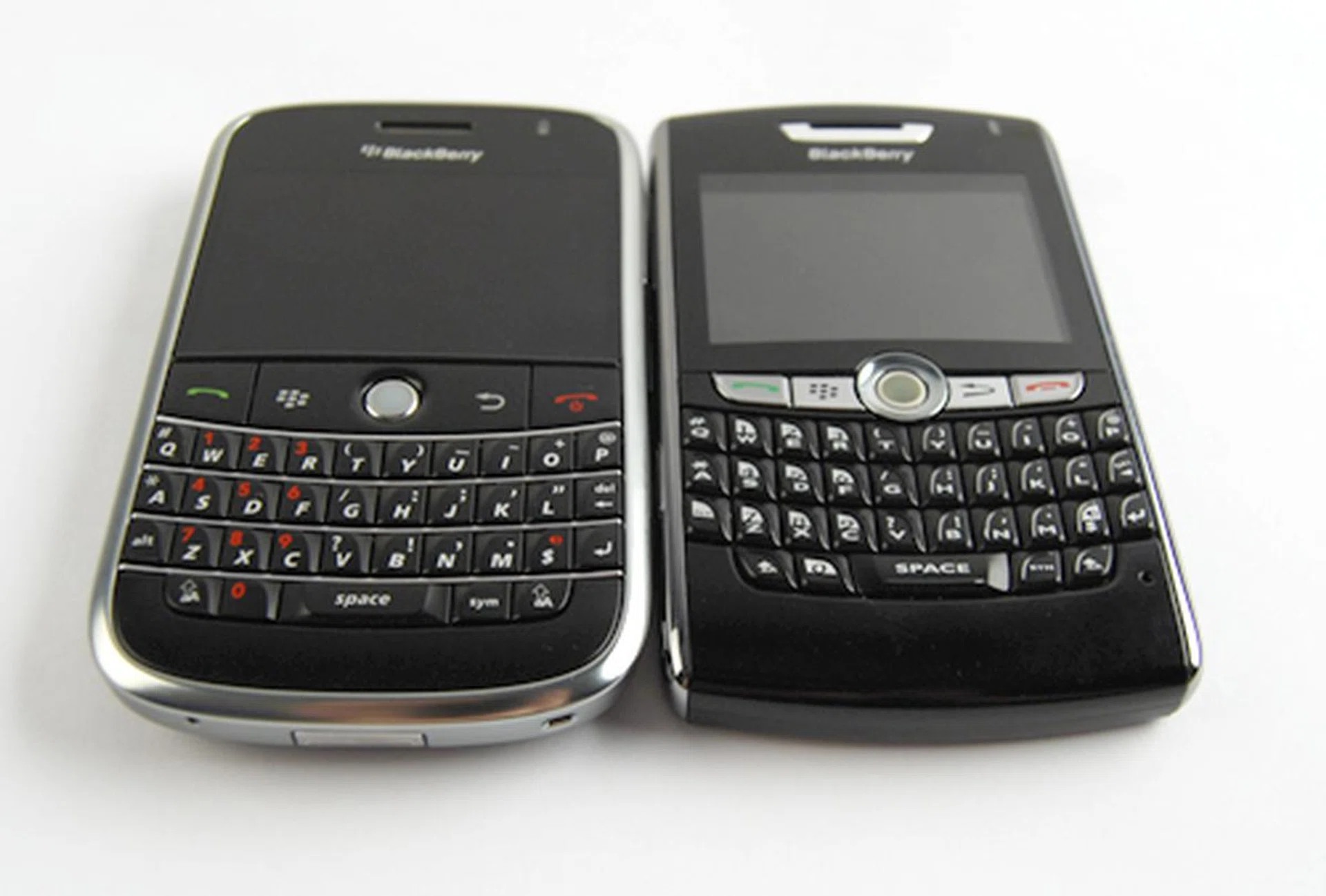
As you can see, the Bold (left) has seen some drastic changes since its earlier days, and with a strong marketing strategy on RIM's end, we foresee stiffer competition amongst the various device manufacturers in the months to come.
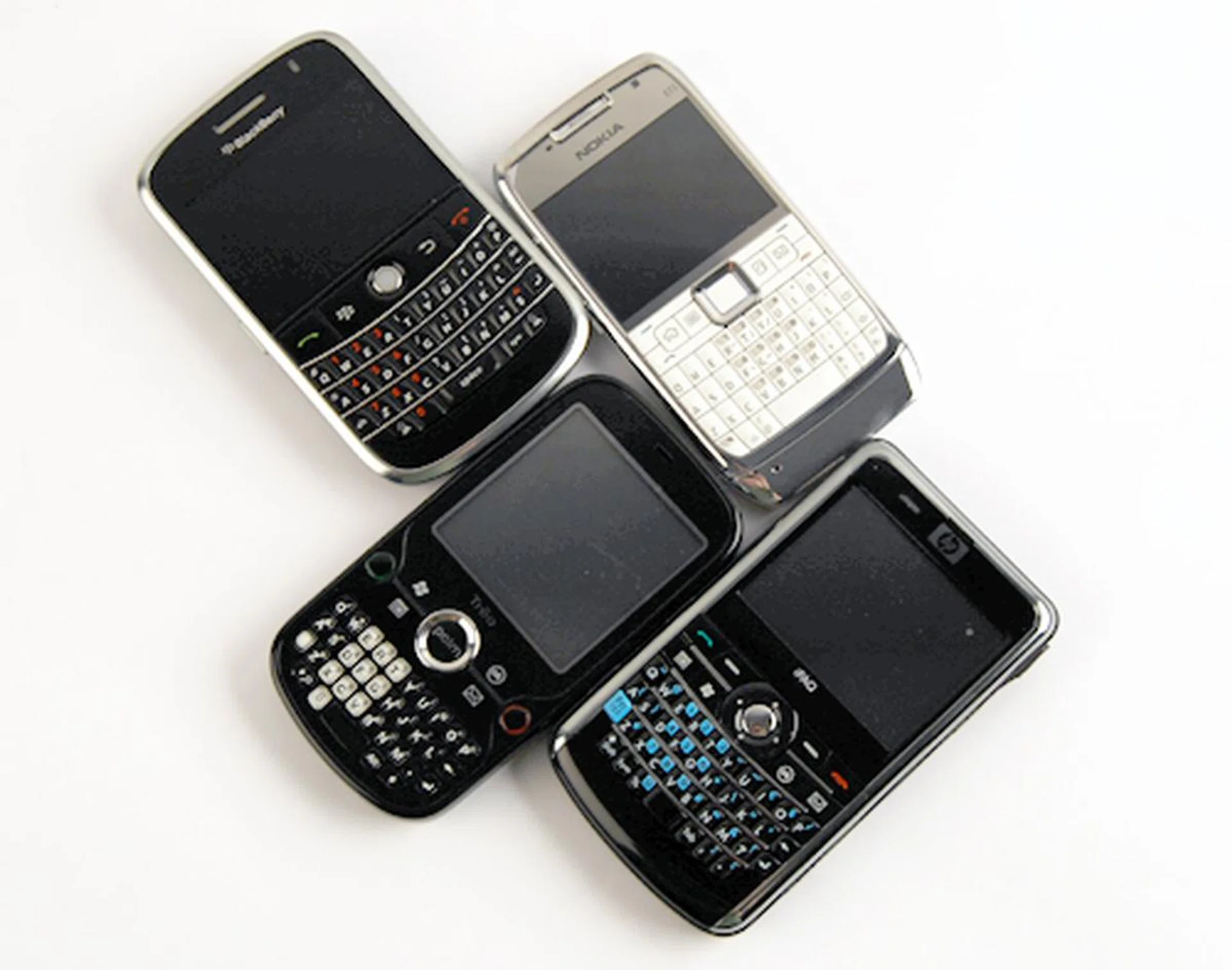
The BlackBerry Bold, Nokia E71, HP iPAQ 912 Business Messenger and the upcoming Palm Treo Pro. These four devices will be pitted in a head-to-head shootout in our upcoming issue of HWM, so do pick up a copy should you wish to learn more about our findings for these four QWERTY keyboard phones.
Our articles may contain affiliate links. If you buy through these links, we may earn a small commission.